¾ 3-3-10 ¾
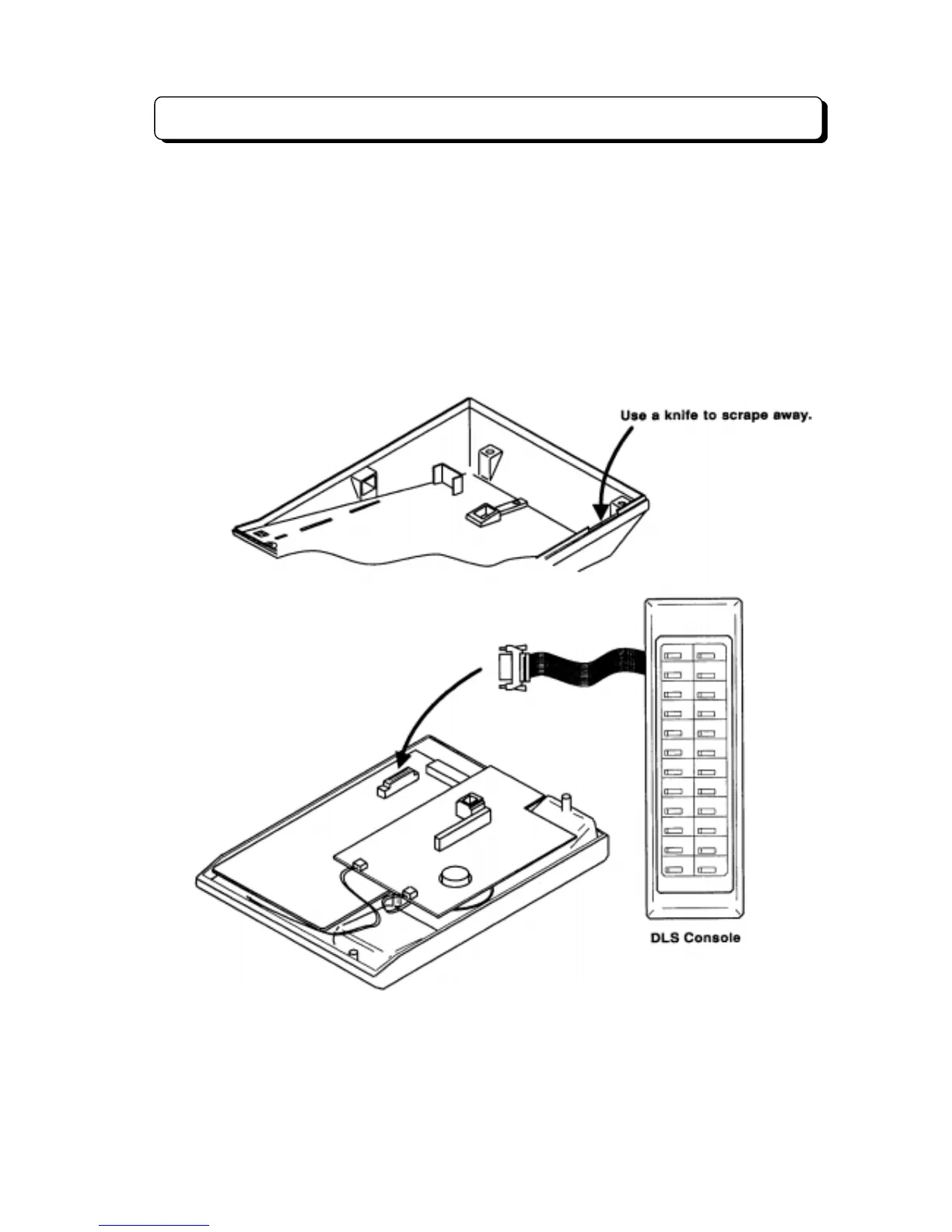
Installing DLS Console
The TX-Z 1232/2464 system can accommodate DLS Console for operator use. The maximum number of
DLS Consoles that can be installed in a system is as follows:
Basic System (TX-Z 1232): 8 set maximum
Expanded System (TX-Z 2464): 16 set maximum
To install the DLS Consoles (DL DLS for 1st Model TEL):
Step 1:
Remove the four screws on the bottom of the telephone.
Step 2:
Insert ribbon cable into connector CN3 on NX7E-KYU PCB.
Step 3:
Replace base plate of telephone and screws on bottom.



 To Next Page