8
Application functions
8-26 CS193/CS173/CS163
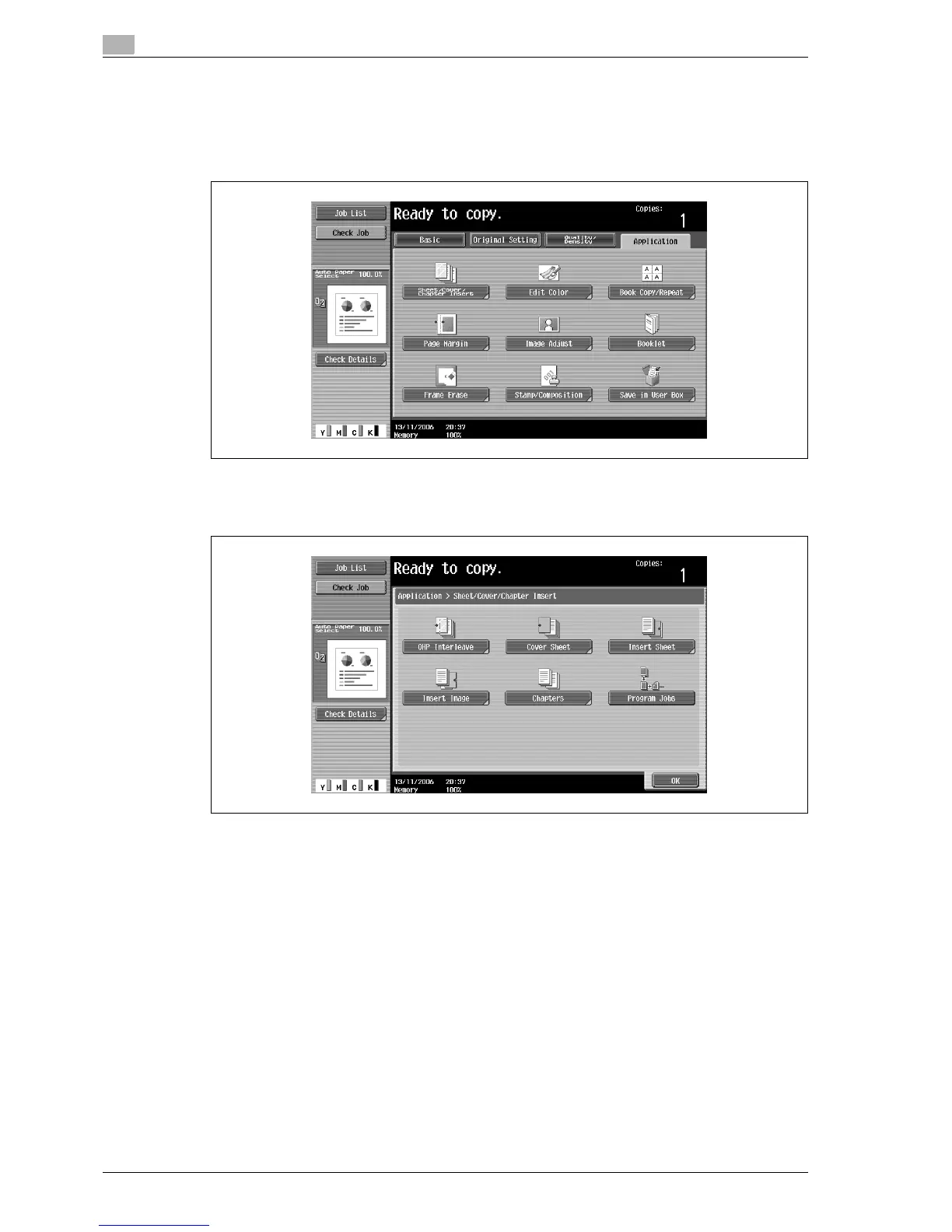
3 Touch [Application], and then touch [Sheet/Cover/Chapter Insert].
– For details on using thick paper for the cover sheets and on loading the paper, refer to "Paper types
and paper capacities" on page 7-4 and "Loading paper into the bypass tray" on page 2-47.
– To cancel changes to the settings for all Application functions, press the [Reset] key. All changes to
the settings are canceled.
The Sheet/Cover/Chapter Insert screen appears.
4 Touch [Cover Sheet].
The Cover Sheet screen appears.



 To Next Page