8
Application functions
8-100 CS193/CS173/CS163
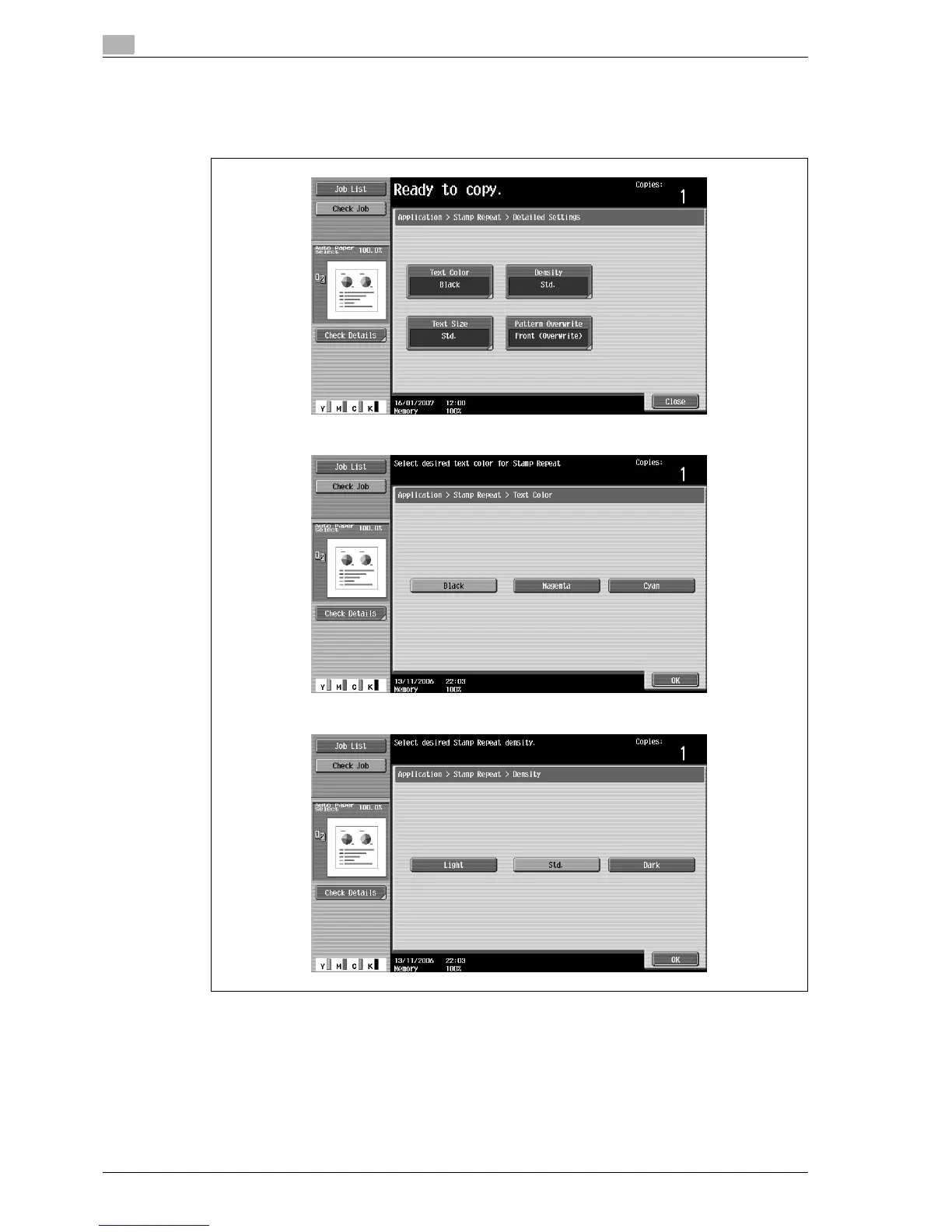
– If desired, touch [Detail Settings], and then change the repeating stamp settings. Touch the desired
button in the Detail Settings screen, and then change the setting in the screen that appears.
– As the factory default, the following settings are selected. Text Color: Black; Density: Std.; Text Size:
Std.; Pattern Overwrite: Font (Overwrite)
Text Color screen
Density screen



 To Next Page