CS193/CS173/CS163 8-101
Application functions
8
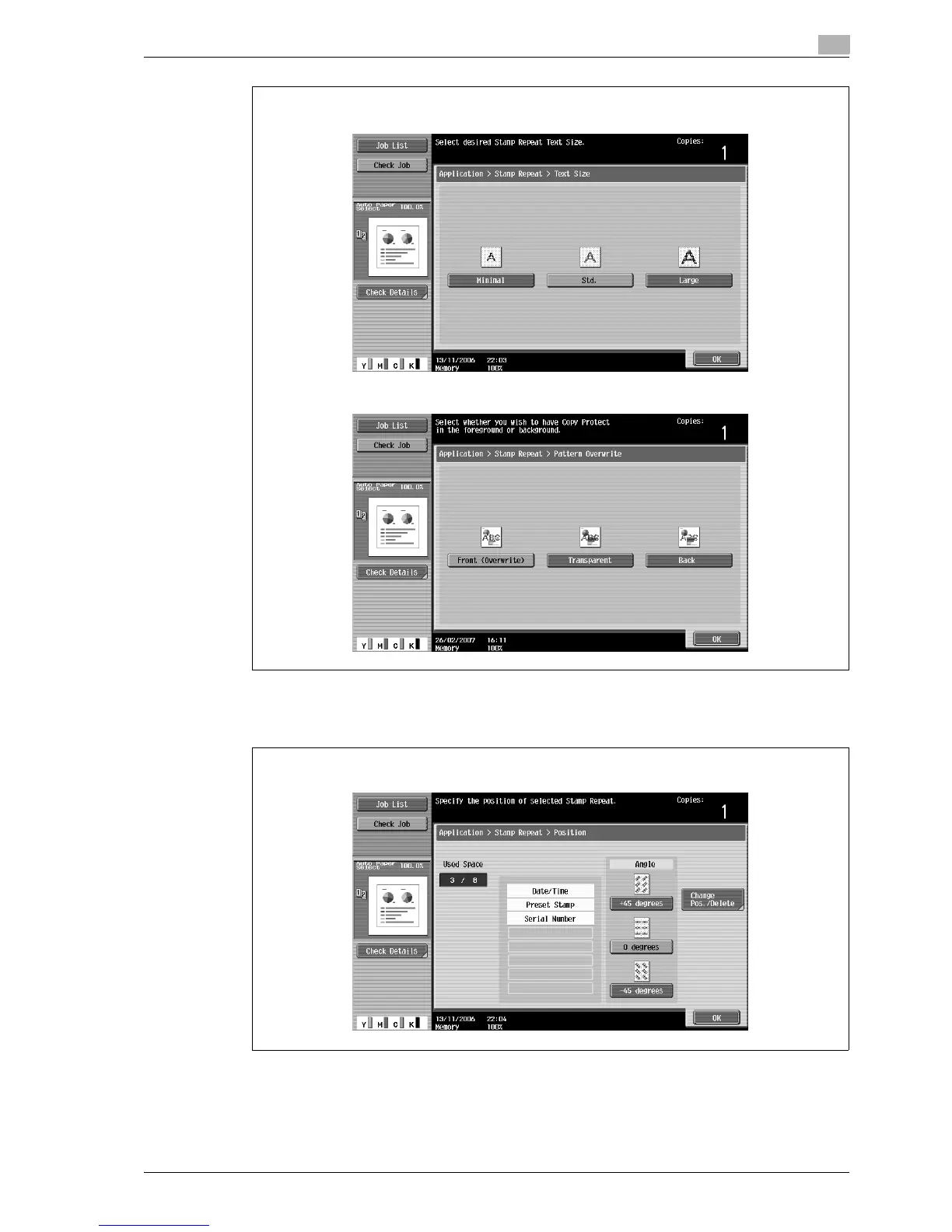
– If desired, touch [Change Pos./Delete], and then change the printing angle in the Position screen.
Select the desired angle, and then touch [OK].
– If there are no more than four lines in the selected repeating stamp, the angle can be changed.
– If desired, touch [Change Pos./Delete] in the Position screen, and then change the arrangement of
the text.
Text Size screen
Pattern Overwrite screen
Position screen



 To Next Page