8
Application functions
8-102 CS193/CS173/CS163
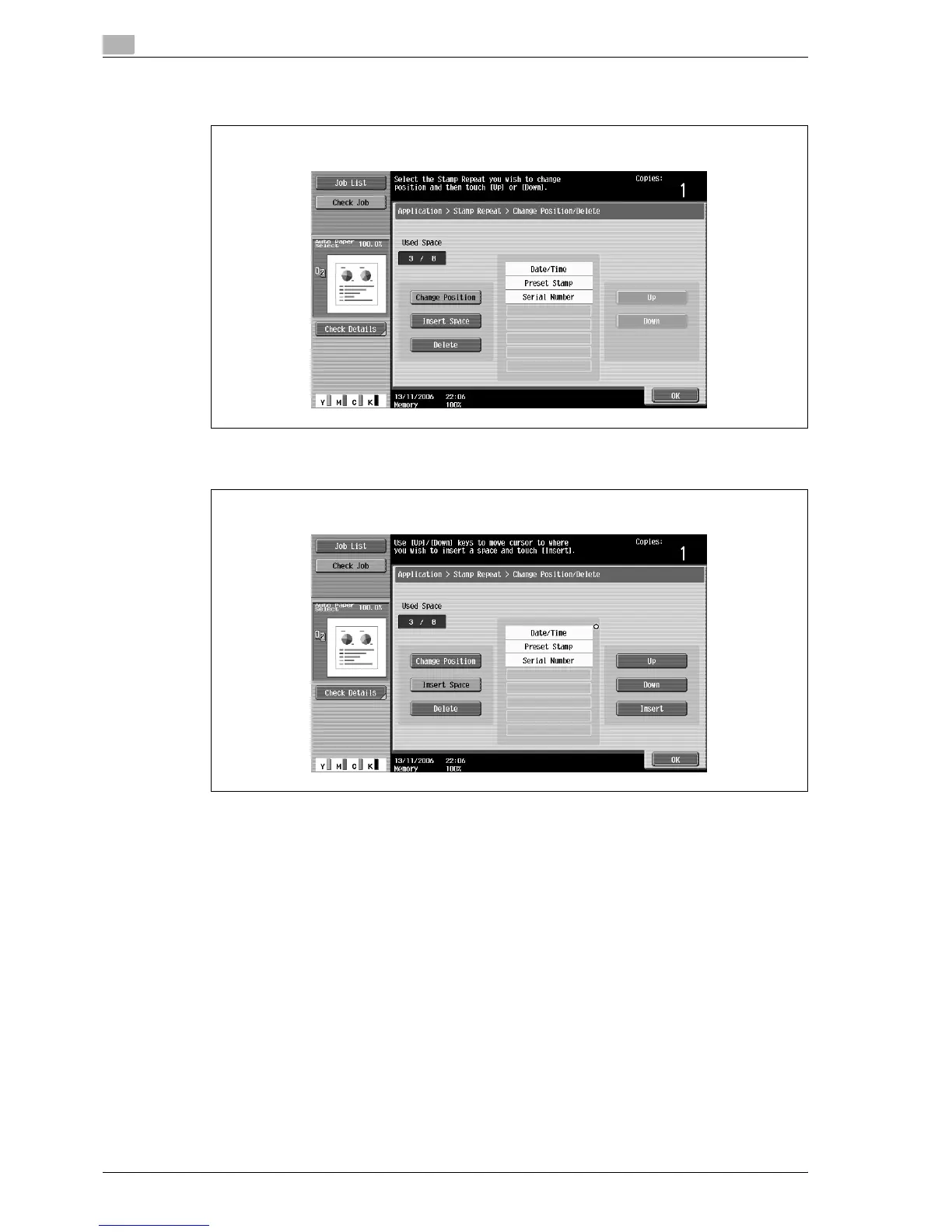
– To change the arrangement order, touch [Change Position], select the repeating stamp text to be
moved, and then touch either [Up] or [Down].
– To add a space to the repeating stamp, touch [Insert Space]. Touch either [Up] or [Down] to move
the round mark that appeared beside the specified repeating stamp type, and then touch [Insert].
Change Position screen
Insert Space screen



 To Next Page