9
Replacing toner cartridges and staple cartridges and emptying punch scrap box
9-16 CS193/CS173/CS163
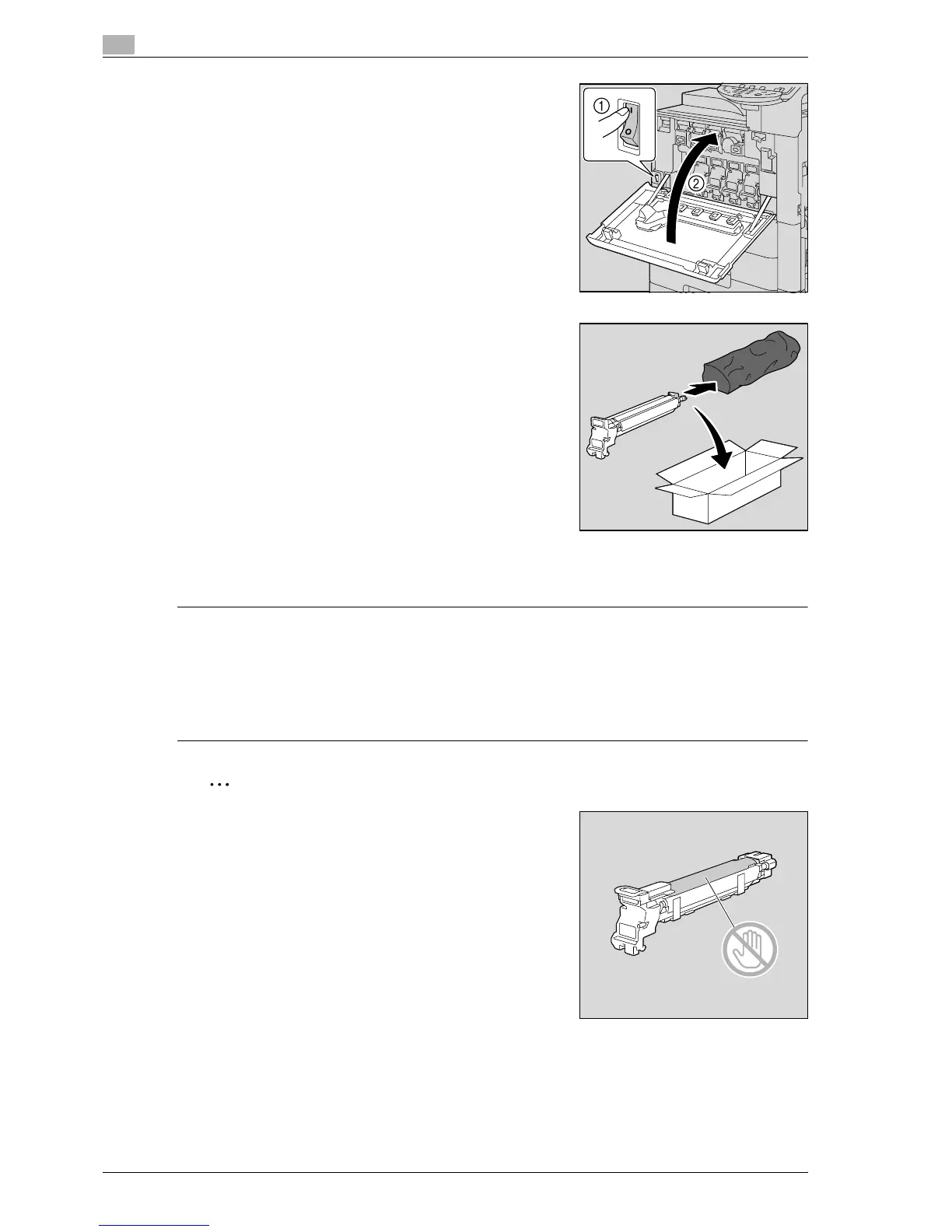
14 Set the main power switch to n, and then close the front door.
15 Insert the used imaging unit into the empty black protective
bag and box of the new imaging unit.
?
How are used imaging units disposed of?
% Do not throw away used imaging units. Instead, keep them
in their boxes to be collected by your service
representative.
16 Adjust the gradation levels.
– For details on adjusting the gradation levels, refer to "Gradation Adjustment" on page 12-54.
7 CAUTION
Precautions for toner spills
% Be careful not to spill toner inside the machine or get toner on your clothes or hands.
% If your hands become soiled with toner, immediately wash them with soap and water.
% If toner gets in your eyes, immediately flush them with water, and then seek professional medical
attention.
2
Reminder
Be careful not to touch the PC drum.



 To Next Page