CS193/CS173/CS163 9-15
Replacing toner cartridges and staple cartridges and emptying punch scrap box
9
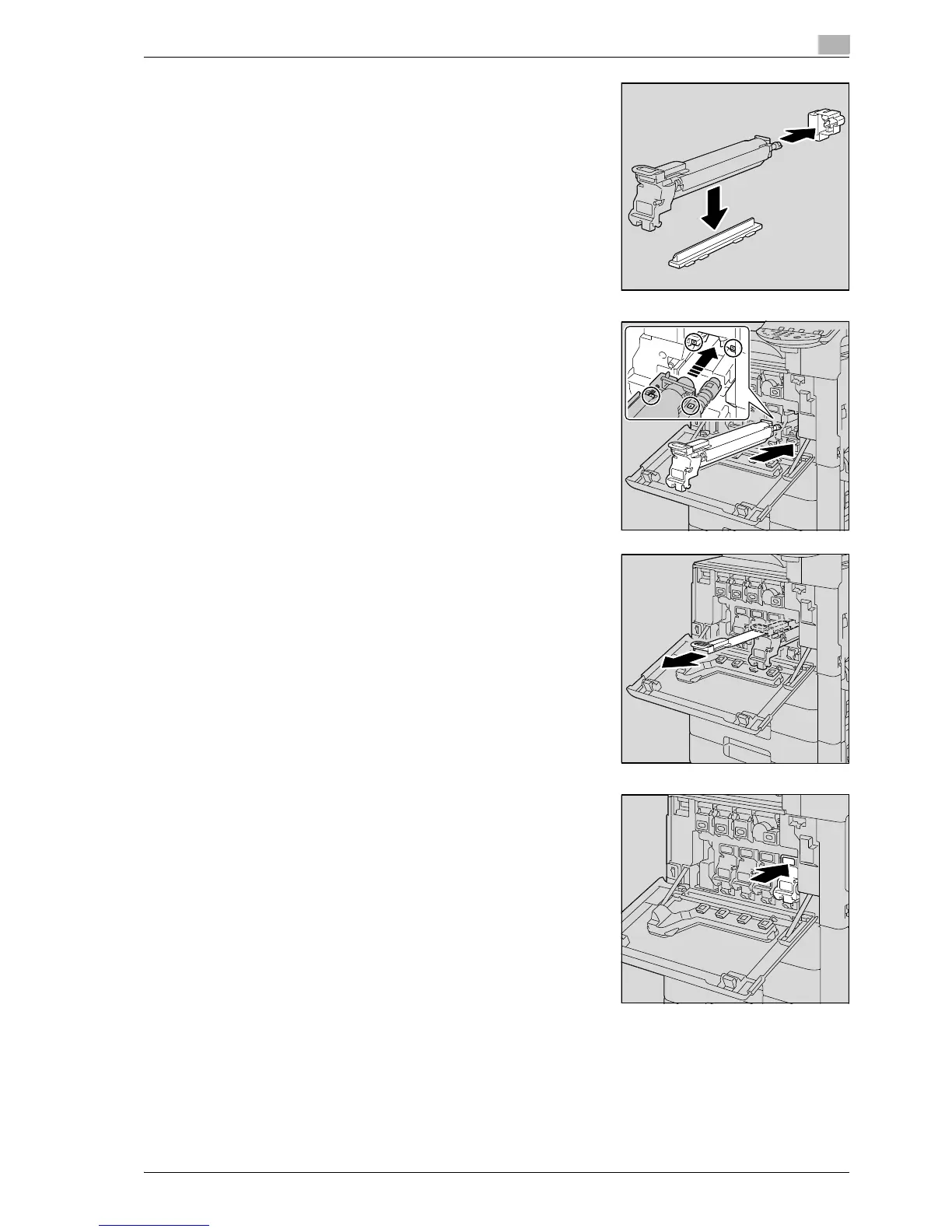
10 Remove the packing material and securing material.
11 Align the + mark of the imaging unit and the , mark of the
machine. Insert the imaging unit into the machine.
– Make sure that the imaging unit is the same color as the
label on the imaging unit compartment.
– Do not insert the imaging unit into its compartment at an
angle.
– Make sure that the imaging unit is fully inserted into its
compartment.
12 Slowly pull out the handle of the protective sheet for the PC
drum.
13 Push the imaging unit until it bottoms.



 To Next Page