CS193/CS173/CS163 12-67
Utility mode
12
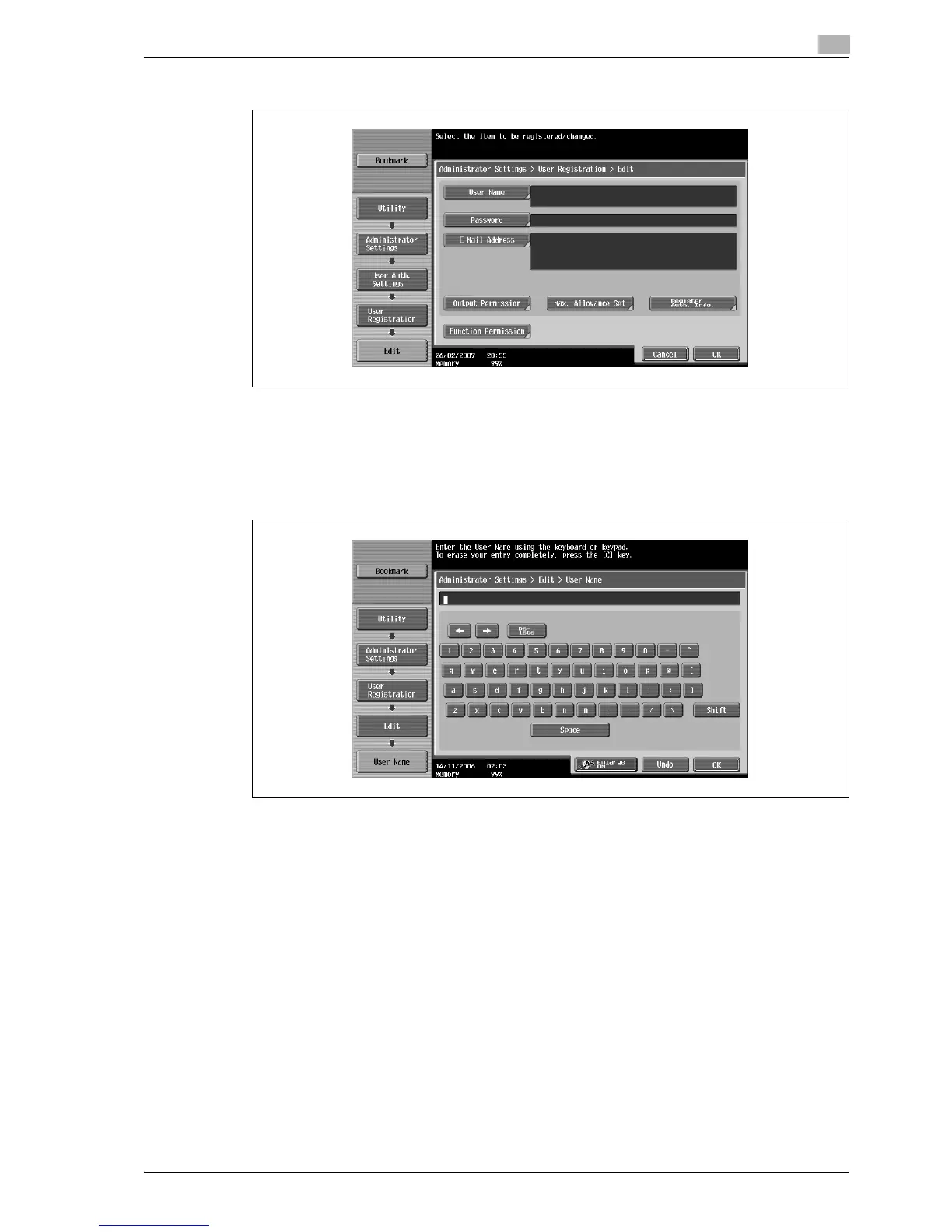
6 Touch [User Name].
The User Name screen appears.
7 Type in the user name (up to 64 characters long), and then touch [OK].
– For details on typing in text, refer to "Entering text" on page 13-3.
– Once a user name is registered, it cannot be changed.
– A user name that has already been registered cannot be used again.
The user name is set.
8 Touch [Password].
The Password screen appears.
?
Why is [Password] not available?
% [Password] is not available if "User Authentication" on the General Settings screen is set to "ON
(External Server)".
9 Type in the password (up to 64 characters long), and then touch [OK].
For confirmation, the Password screen appears again. Retype the same password, and then touch
[OK]. The user password is set.
10 Touch [E-Mail Address].
The E-Mail Address screen appears.



 To Next Page