12
Utility mode
12-76 CS193/CS173/CS163
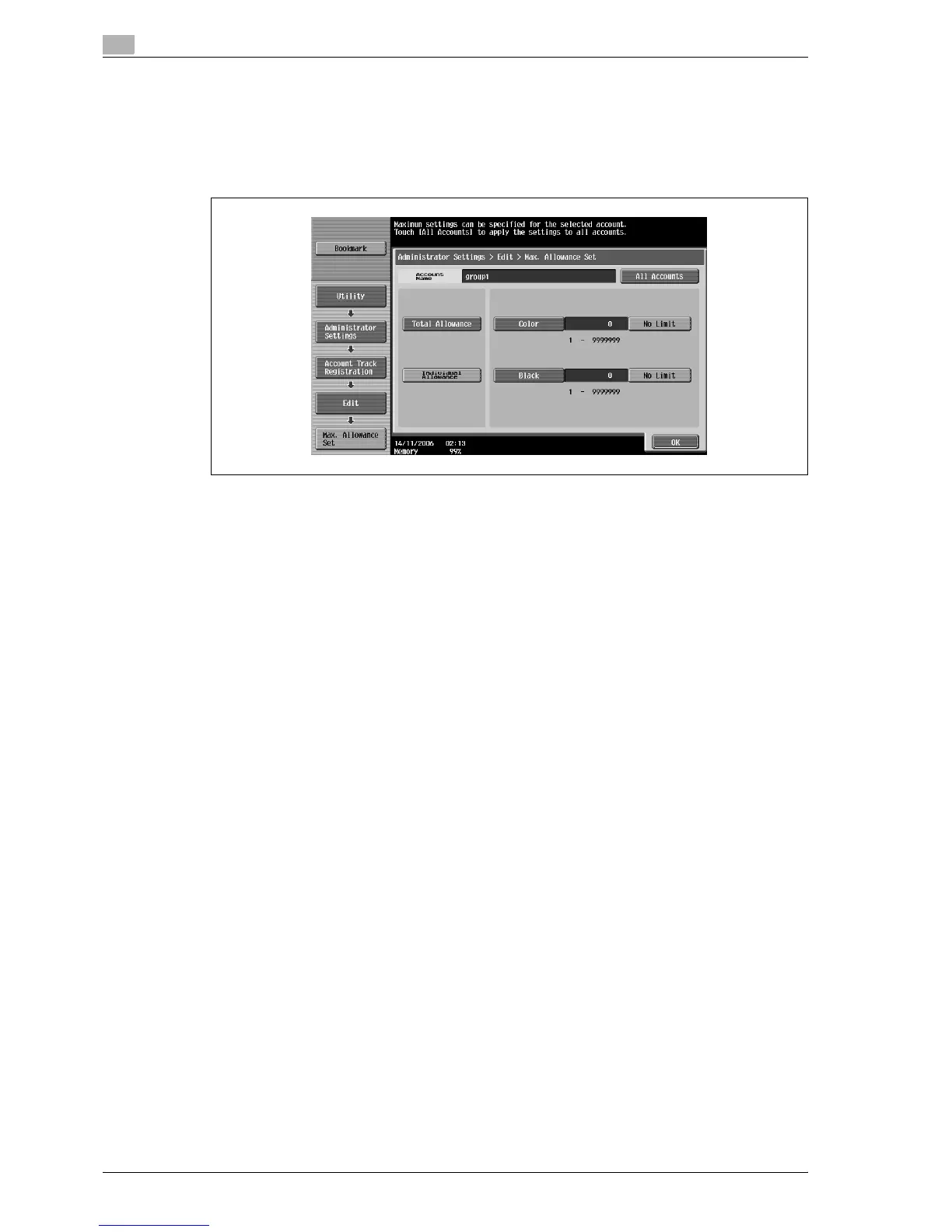
15 Touch [Total Allowance] or [Individual Allowance].
– To specify the maximum number of combined color and black prints allowed, touch [Total
Allowance].
– To separately specify the maximum number of color and black prints allowed, touch [Individual
Allowance].
– To specify no maximum for color and black prints, touch [No Limit].
16 Select the parameter to be specified, and then use the keypad to type in the maximum number allowed.
– Touch [All Accounts] to apply the settings in the current screen to all registered accounts. Touch [All
Accounts], touch [OK], and then touch [OK] in the next screen that appears in order to display a
message and apply the settings to all accounts. At this time, do not turn off the machine with the
main power switch.
17 Touch [OK].
The maximum number of prints allowed is set.
18 Touch [OK].
– To delete the selected account information, touch [Delete].



 To Next Page