2
Before making copies
2-32 CS193/CS173/CS163
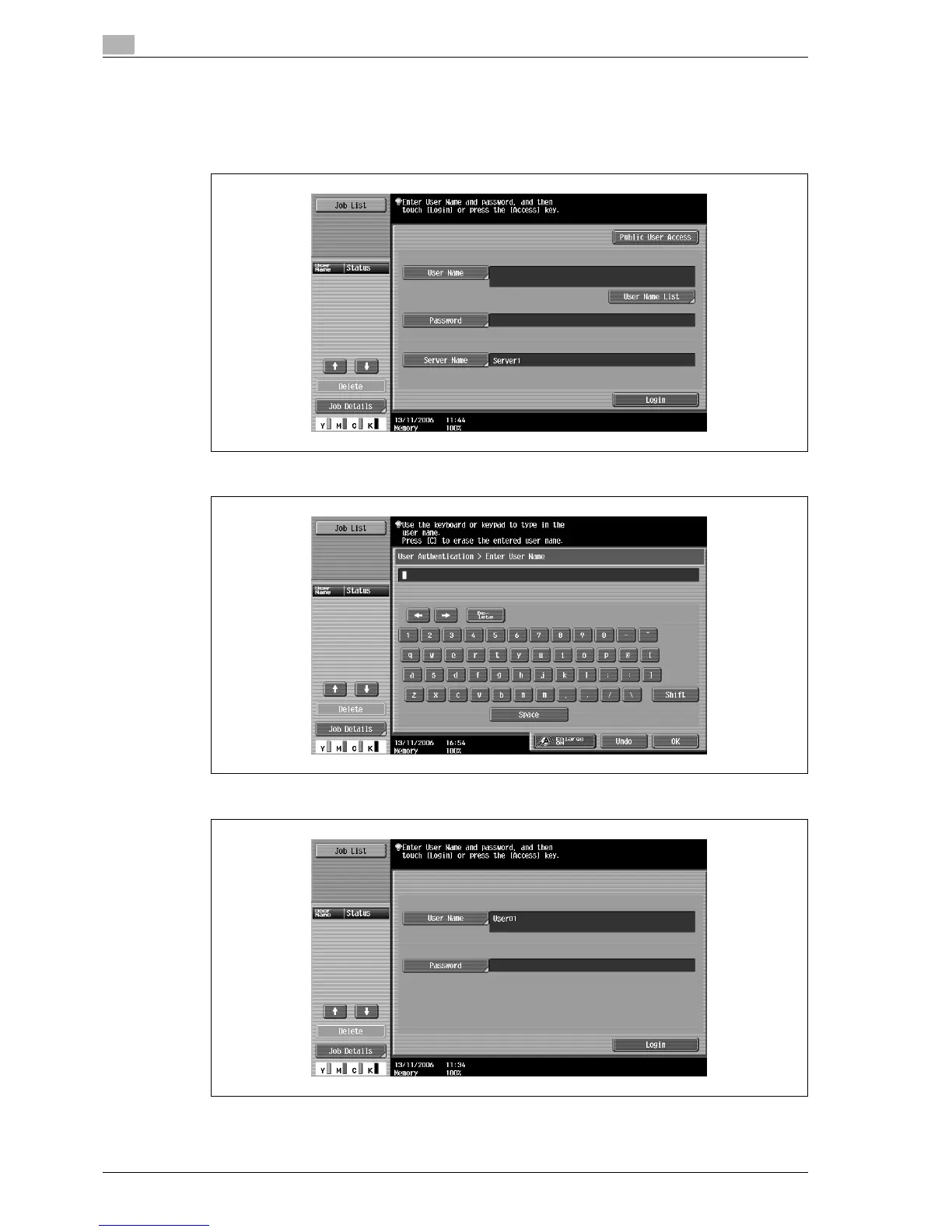
– If external server authentication was selected as the user authentication method, [Server Name]
appears with the name of the default server.
Touch [Server Name] to display the names of the registered servers, and then select the desired
server. For details on specifying settings for an external server authentication, refer to "Selecting an
authentication method" on page 12-61.
2 Type in the user name, and then touch [OK].
3 Touch [Password].



 To Next Page