CS193/CS173/CS163 2-33
Before making copies
2
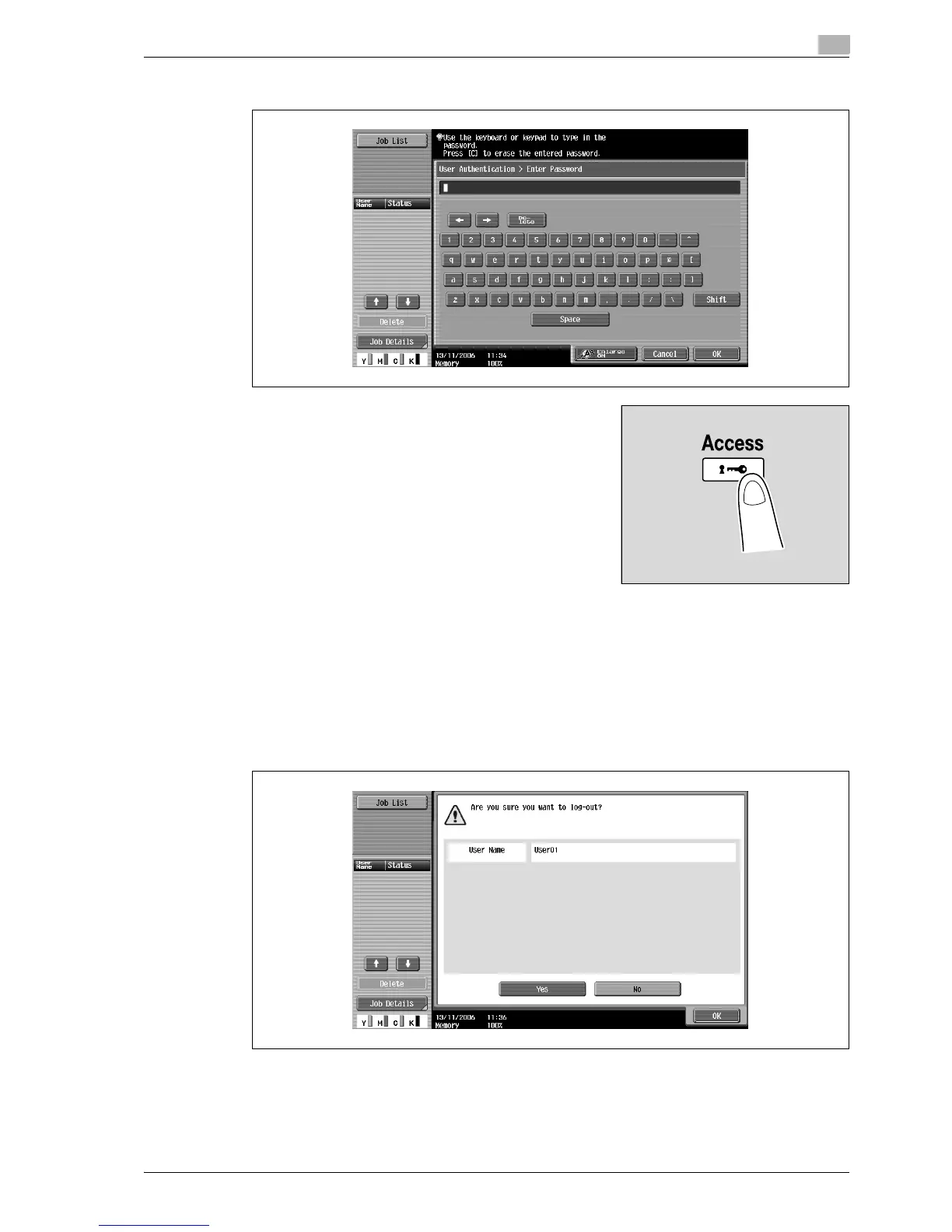
4 Type in the password, and then touch [OK].
5 Touch [Login] or press the [Access] key.
The Basic screen appears.
If account track settings have been applied, the account track screen appears. However, if
"Synchronize User Authentication & Account Track" has been set to "Synchronize", the account track
screen does not appear if the users and accounts are synchronized.
6 Make copies using the desired copy settings.
7 When you are finished printing, press the [Access] key.
A message appears, requesting confirmation to log off.
8 Touch [Yes], and then touch [OK].
The user authentication screen appears.



 To Next Page