Operation
Left joystick
X-Y key (16)
Only in the operating mode "Rabbit"
LEFT Manual diesel engine speed control
RIGHT Automotive diesel engine speed control
In order to switch over, push the X-Y key (16) in the required direction and hold it
briefly in the end position.
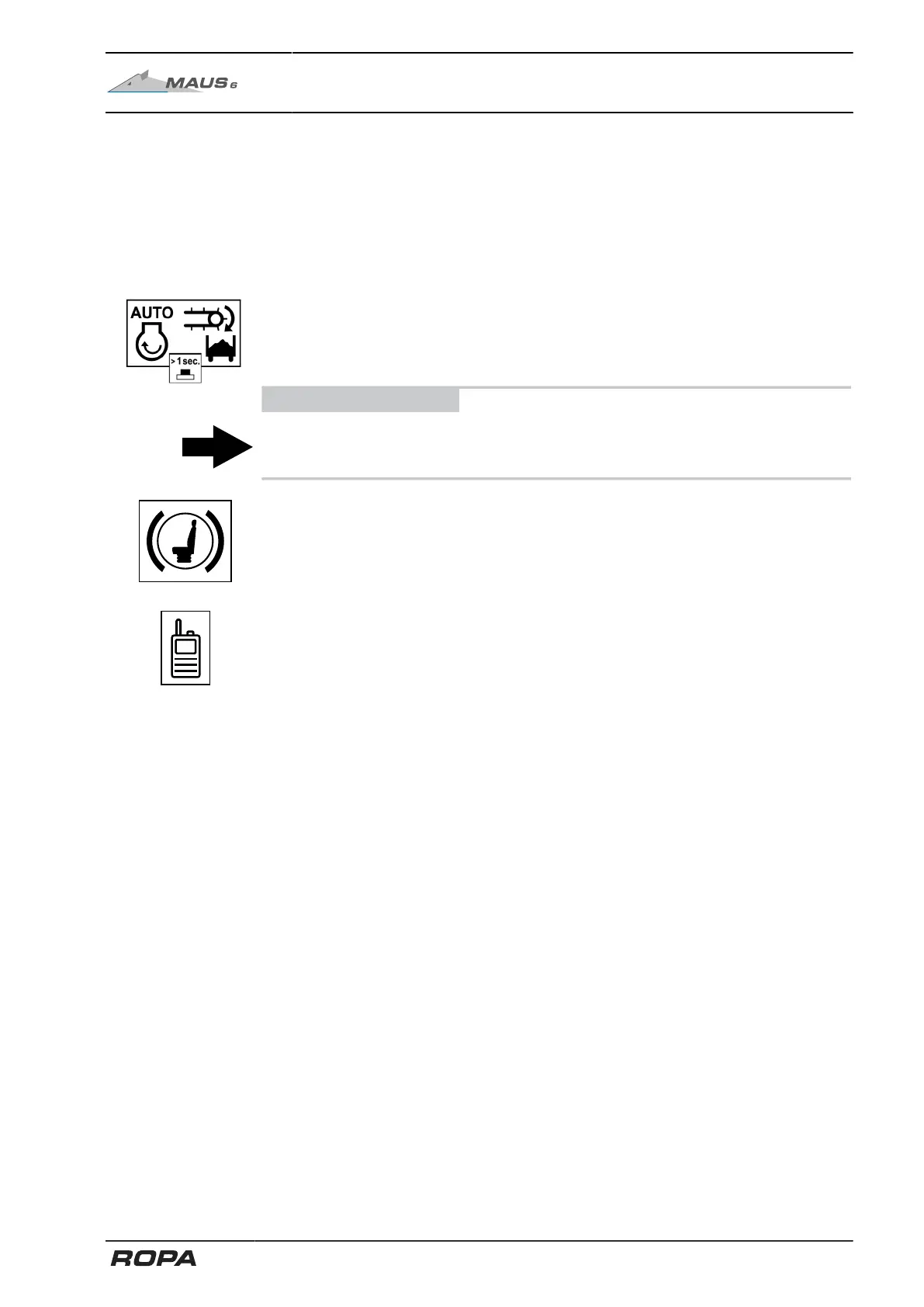
X-Y key (16) automotive loading
PRESS AND HOLD THE X-Y KEY Automatic engine speed adjustment dur-
ing loading On
ADVICE
If the X-Y key (16) is pressed again or pushed forward or backward, the automatic
engine speed adjustment during loading is switched off again. (See Page 172)
Key (17) rotating seat brake
PRESS KEY SHORTLY Set/release rotating seat brake
Key (18) or (19), rotate residual beet pickup or radio
There are three different operating variants for the keys (18) and (19). You can switch
between these three variants in the "Main settings" menu, "Joystick left keys 18+19"
line (See Page 166).
Variant 1 "Residual beet pickup": The residual beet pickup can be rotated by pressing
key (18) or (19), one at a time.
PRESS KEY (18) Rotate residual beet pickup to the right
PRESS KEY (19) Rotate residual beet pickup to the left
Variant 2 "Radio": Press and hold key (18) or (19) to activate the radio (See
Page 167).
PRESS AND HOLD KEY (18) OR (19) Radio activation
Variant 3 "Both": In this variant, press keys (18) and (19) simultaneously to activate the
radio (See Page 167).
In addition, in the "Both" variant, you can rotate the residual beet pickup by pressing
the key (18) or (19), one at a time.
PRESS KEY (18) Rotate residual beet pickup to the right
PRESS KEY (19) Rotate residual beet pickup to the left
PRESS AND HOLD KEY (18) AND (19) Radio activation
165 / 546



 To Next Page