Rovema CMK Operator’s Manual
Section 5: Operator Controls
200246 CMK Operators Manual (02/06/2006) 5-52
Buttons and Switches
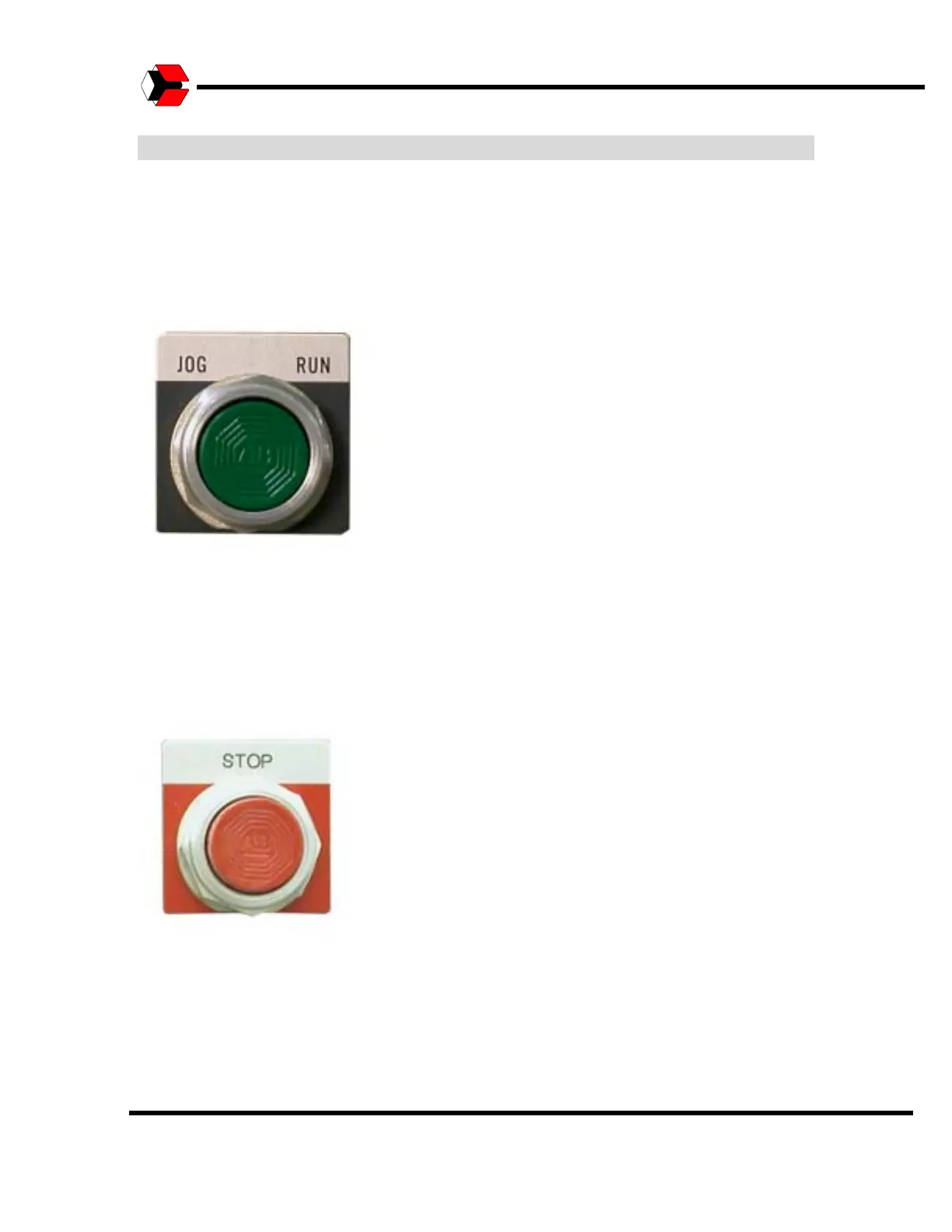
JOG/RUN Push-Button
The JOG/RUN push button runs the machine in the JOG or RUN mode. When the
HMI Adjustments screen is used to activate a Jogging operation, press and hold the
JOG/RUN push-button to jog the selected operation. When the HMI is not set to a
JOG command, press and release the JOG/RUN push-button to start automatic
operations.
Figure 5.59
Shows the JOG/RUN push-button.
STOP Push-Button
The STOP push-button ends the automatic packing operation once the current cycle
is complete. Press and release this push-button to end packing operations under
normal circumstances.
Figure 5.60
Shows the STOP push-button.



 To Next Page