16 Special Functions
16.6 GC Configuration
245
GC-2014
16.6.7.6 Signal offset
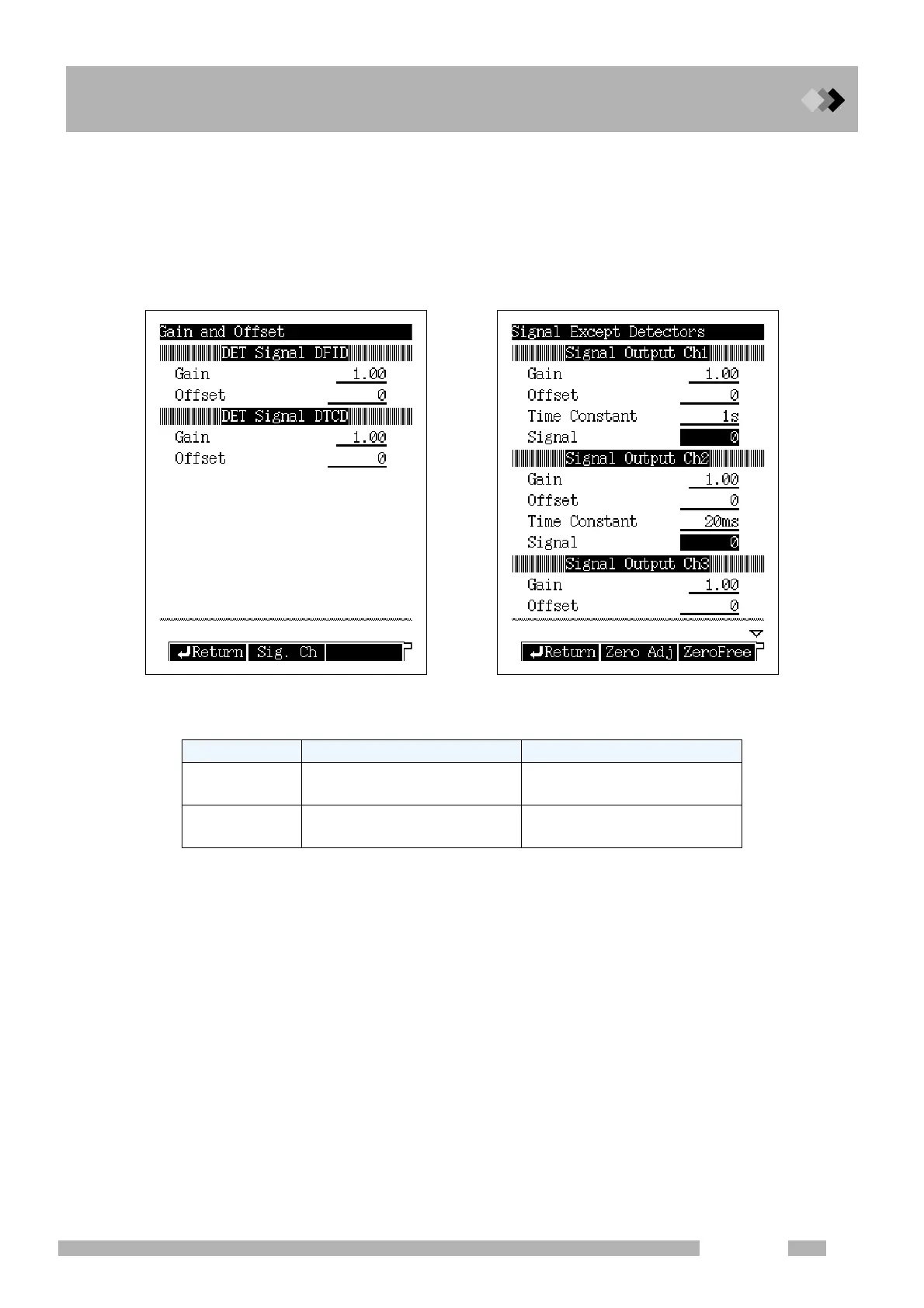
When you select [Gain etc.] (PF menu) from the signal setup main screen, the Gain and
offset screen shown in Fig. 16.6.12 appears. Set the offset and the the detector signal
gain here.
Select [Sig. Ch] (PF menu), to set the gain and the offset for any signal other than
defector signals (such as temperature or pressure). In addition, you can set the time
constant and the zero adjustment of the signal for each channel.
Fig. 16.6.13 Detector signal gain and offset screen
Range Default
Gain offset
0.00-100.00
-999999-9999999
1.00
0
Time constant
4 ms, 5 ms, 10 ms, 20 ms, 50 ms,
100 ms, 200 ms, 500 ms, 1 s, 2 s
50 ms


 To Next Page
 Loading...










