CHANGING TRIGGER VELOCITY
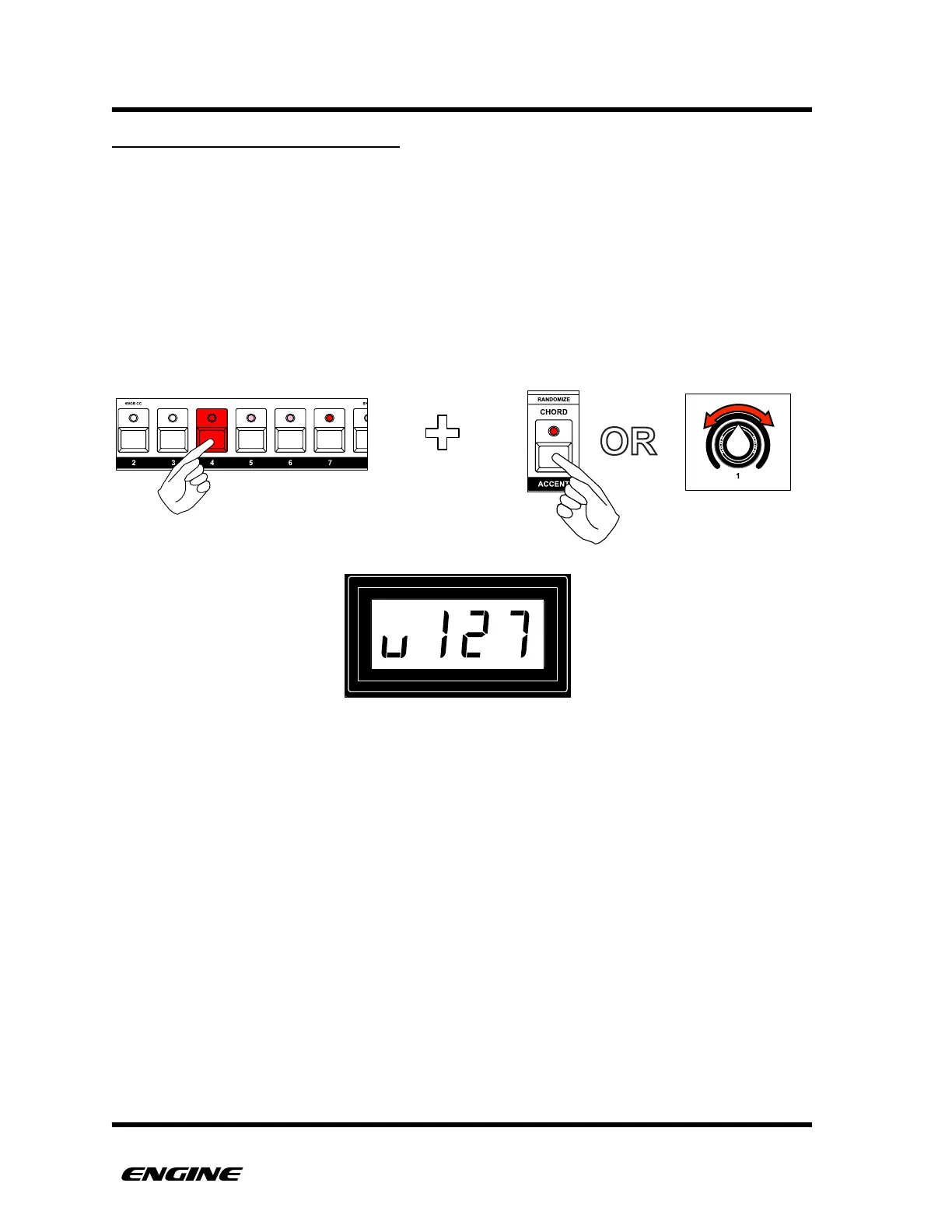
In addition to clicking or double-clicking as a trigger is programmed, the velocity can also
be set using the ACCENT button or control knob 1 while pressing the step button.
There are three velocity levels available (default 40, 63 and 127). The there velocity
values can be changed in TRACK UTILITY mode.
While holding the step button, clicking the ACCENT button will cycle through the three
velocity levels, or you can turn control knob 1 to select the velocity.
The current velocity is shown on the LED display.
!



 To Next Page