USING MIDI NOTES
Each track level control knob can also be configured to send a MIDI note message,
instead of a MIDI control or track modulation message..
This allows a CONTROL TYPE pattern to be used for programming MIDI notes, useful for
programming drums with more velocity control or more “analog style” sequencing using
the control knobs.
The note numbers used by the six controls are set using the DRUM LEARN function, with
the knob number correspond to the first six drum instruments. The knob value controls the
velocity of the generated note.
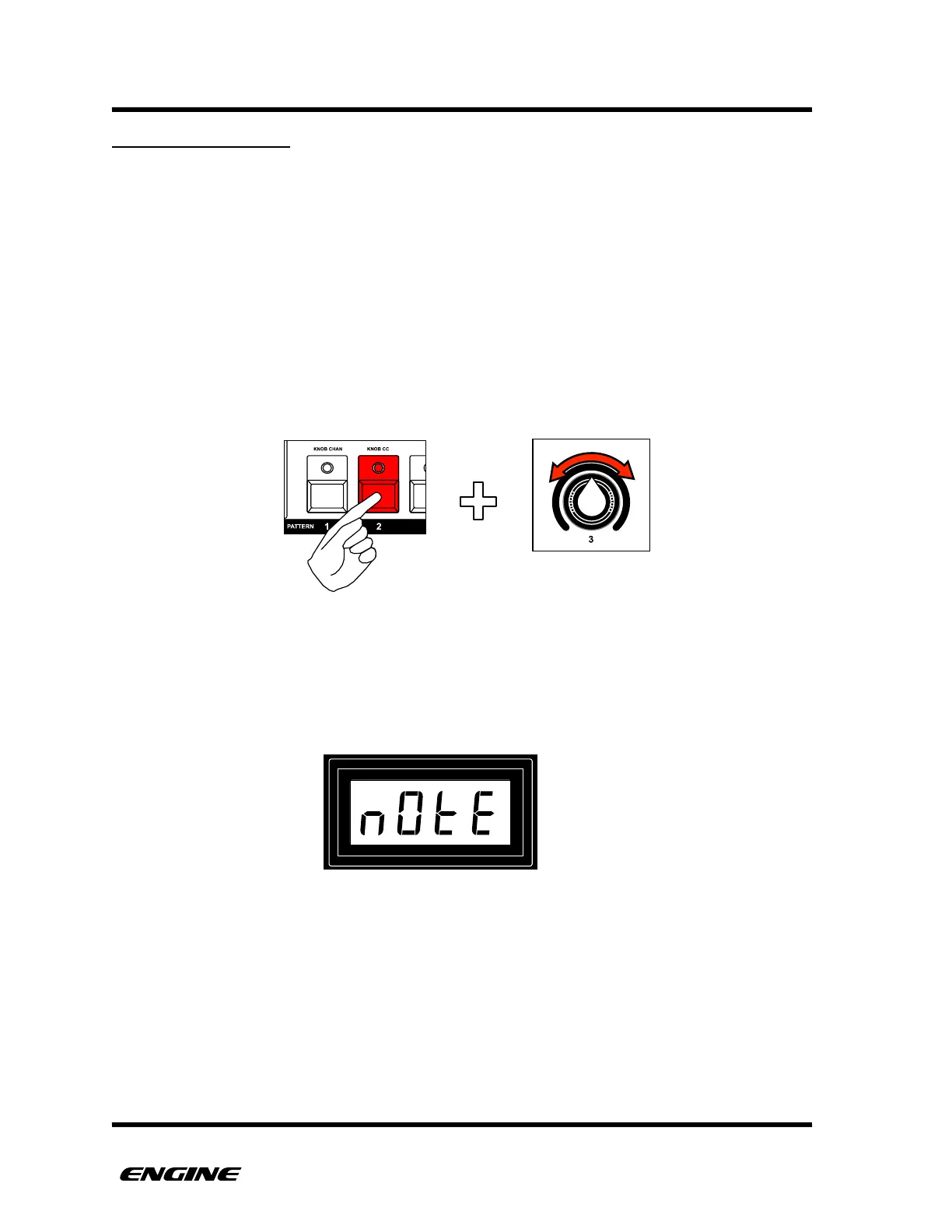
To configure the control knob to send MIDI notes, while in UTILITY mode, press and hold
pattern step button 2, then turn the control knob you wish to set fully clockwise.
The setting will be displayed on the LED display. !



 To Next Page