STEP FUNCTIONS
While holding a pattern step, you can also apply several functions to the individual step,
such as rotate, clear, copy, paste and length. This can be used to make fine adjustments
to a pattern during composition.
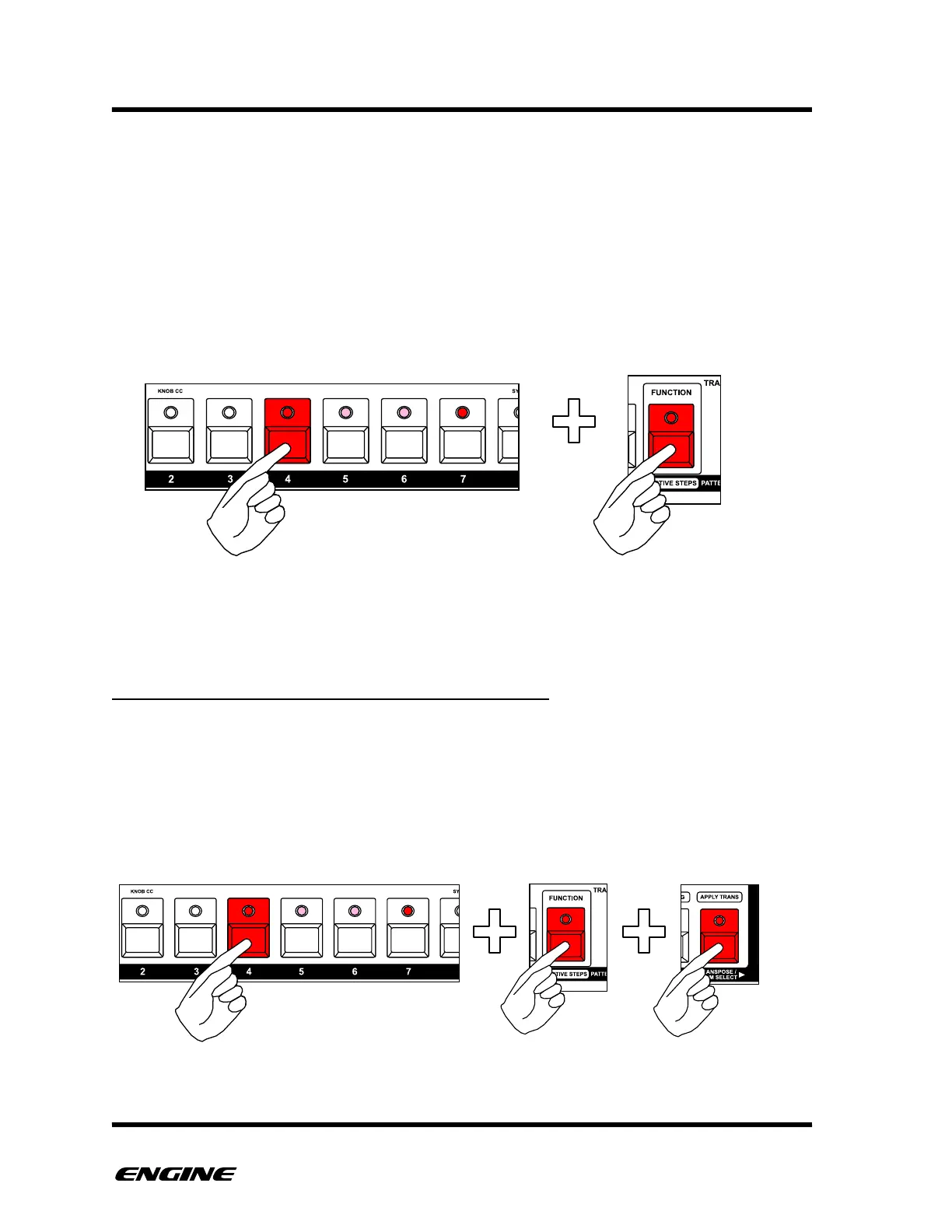
To use a step functions, while holding a pattern step, press and hold the FUNCTION
button. Now the black (sharp) buttons of the mini-keyboard can be used to apply a
function to the step. The note can also be shortened or lengthened using the OCTAVE
DOWN and UP buttons.
DRUM/CTRL: OPERATING ON ALL INSTRUMENTS
For DRUM and CONTROL type patterns, you can choose to apply the step function to all
instruments, or a single instrument.
By default, the step function will only apply to the selected instrument. If you wish to
apply the function to all instruments, press and hold the TRANSPOSE/DRUM SELECT
button while performing the function.



 To Next Page