COPYING A PATTERN SECTION
The SECTION copy function allows the current selected section of a pattern to be copied
and then pasted into a different section of the pattern. This is similar to the EXTEND
function, but is more flexible in some cases.
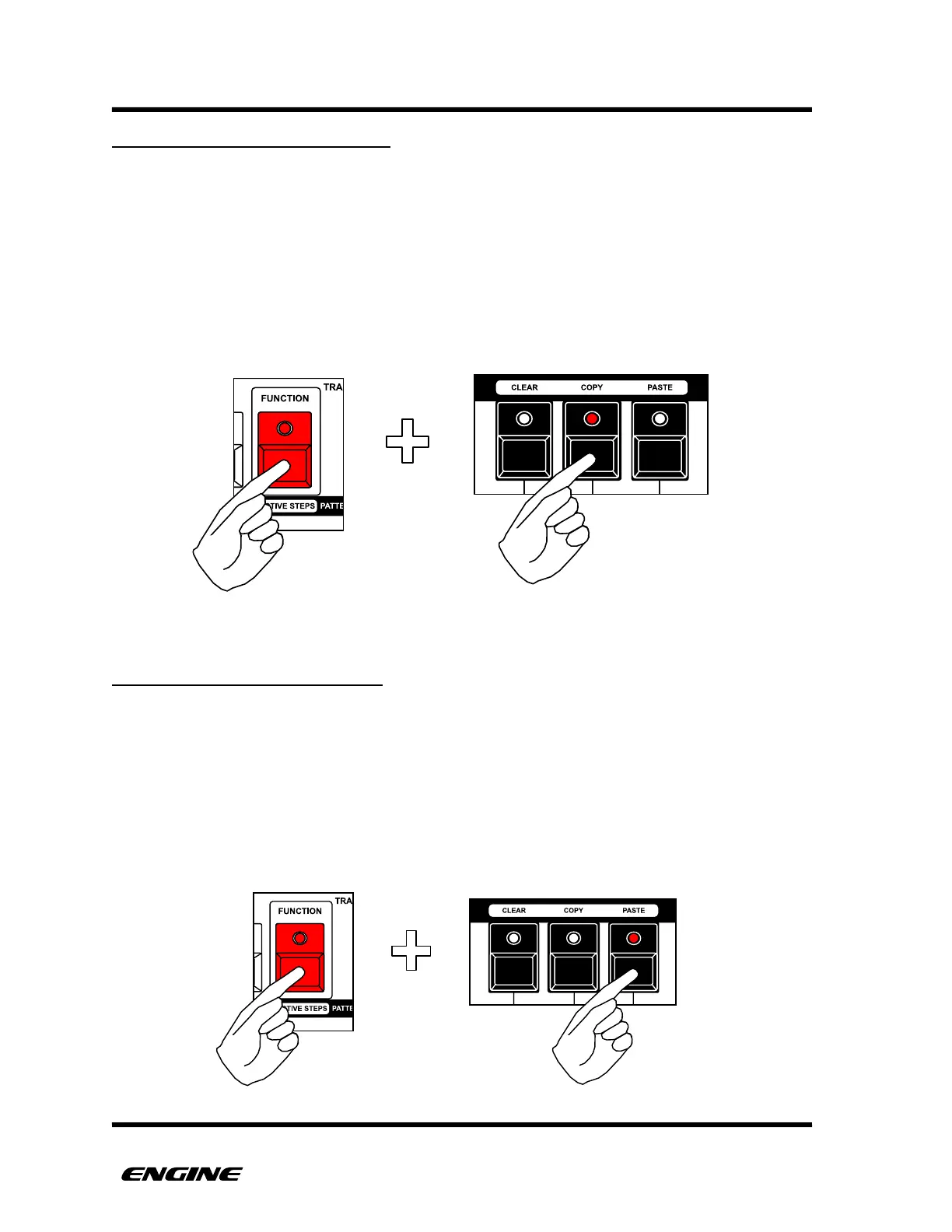
To COPY a section, while in TIME MODE, first select the section you wish to copy by
clicking the SECTION button.
Now hold the FUNCTION button and click the COPY button.
PASTING A PATTERN SECTION
The SECTION paste function allows a copied section to be pasted into the currently
selected section of the pattern.
To PASTE a section, while in TIME MODE, first copy a section, then select the section you
wish to paste into by clicking the SECTION button.
Now hold the FUNCTION button and click the PASTE button.



 To Next Page