TRACKS
There are eight tracks in Engine. Tracks define a pattern or chain of patterns, along with
other settings for things like MIDI channel, controller assignments, MIDI effects, etc. All
eight tracks play simultaneously.
Depending on the pattern type selected, a track can play a 4-note polyphonic synth
sequence, an 16-note polyphonic drum trigger sequence or 6 recorded controllers.
Patterns in each track can have different lengths and timing characteristics.
SELECTING TRACKS
When Engine is powered on, it will default to TRACK SELECT (NORMAL) mode.
TRACK SELECT mode is the normal mode, when no other modes are active.
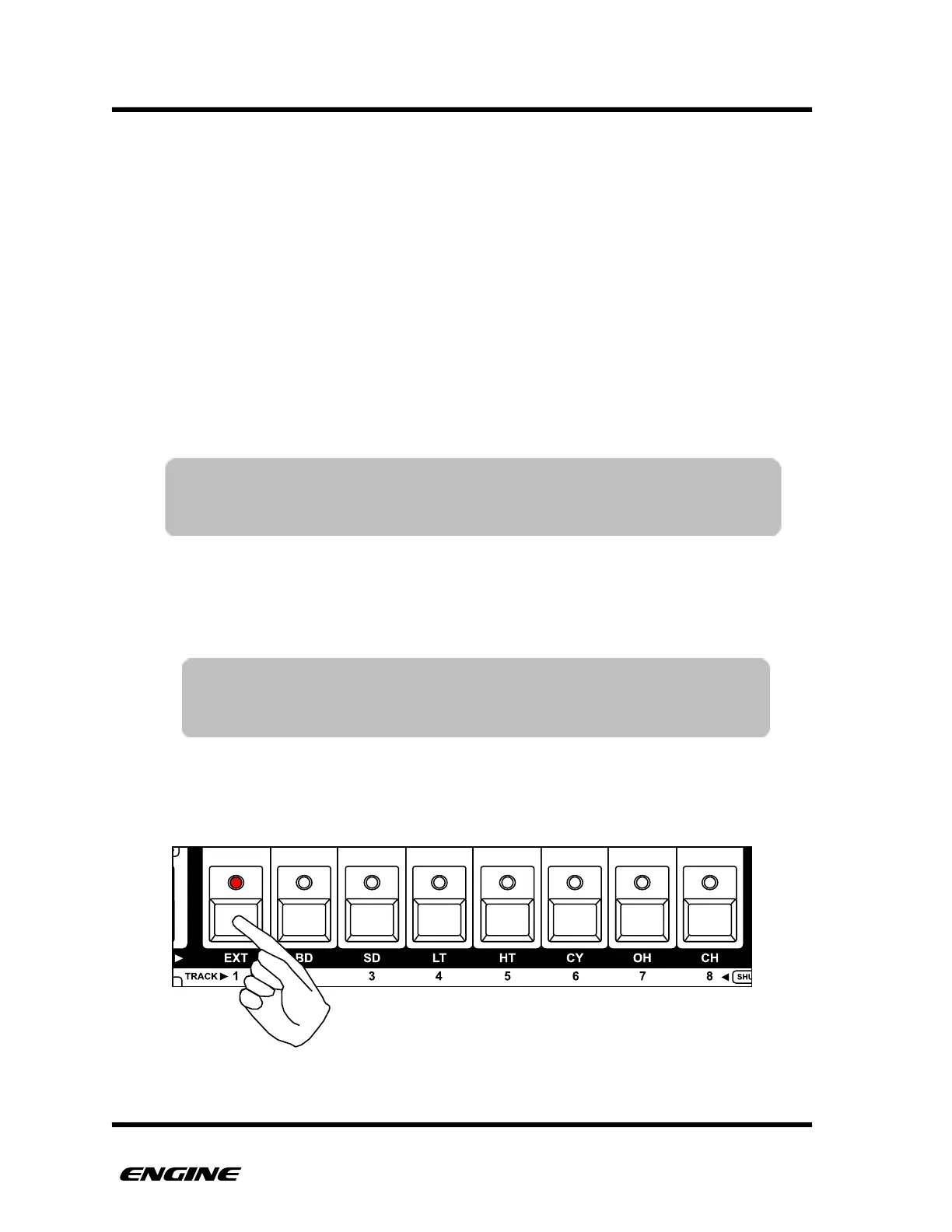
In Track Select mode the eight white buttons of the mini keyboard are used to select the
track you wish to work with.
You can change the selected track by clicking one of the white mini keyboard buttons. The
step LEDs will change to show the programmed pattern for the selected track.
TIP: Engine remembers the state of the selected track and instrument when
turning the machine off. The selected track will be recalled when
turning the machine back on.
TIP: The track LEDs flicker briefly each time a note is played in that
track. This gives a good visual indicator of what tracks are
playing. Muted tracks will not flicker.



 To Next Page