CHORD MEMORY
The CHORD MEMORY function can be used to automatically create polyphonic playback
over MIDI.
Use CHORD MEMORY to define a chord shape that will be played for each step.
For SYNTH1 type patterns, CHORD MEMORY will use the programmed pitch in PITCH
SLOT 1 as the basis for the chord. Programmed pitches for PITCH 2,3 or 4 are not used
for CHORD MEMORY.
For SYNTH2 type patterns, CHORD MEMORY will be applied to notes in any of the four
note lanes.
CHORD MEMORY is not confined to notes defined in the FORCE TO SCALE settings.
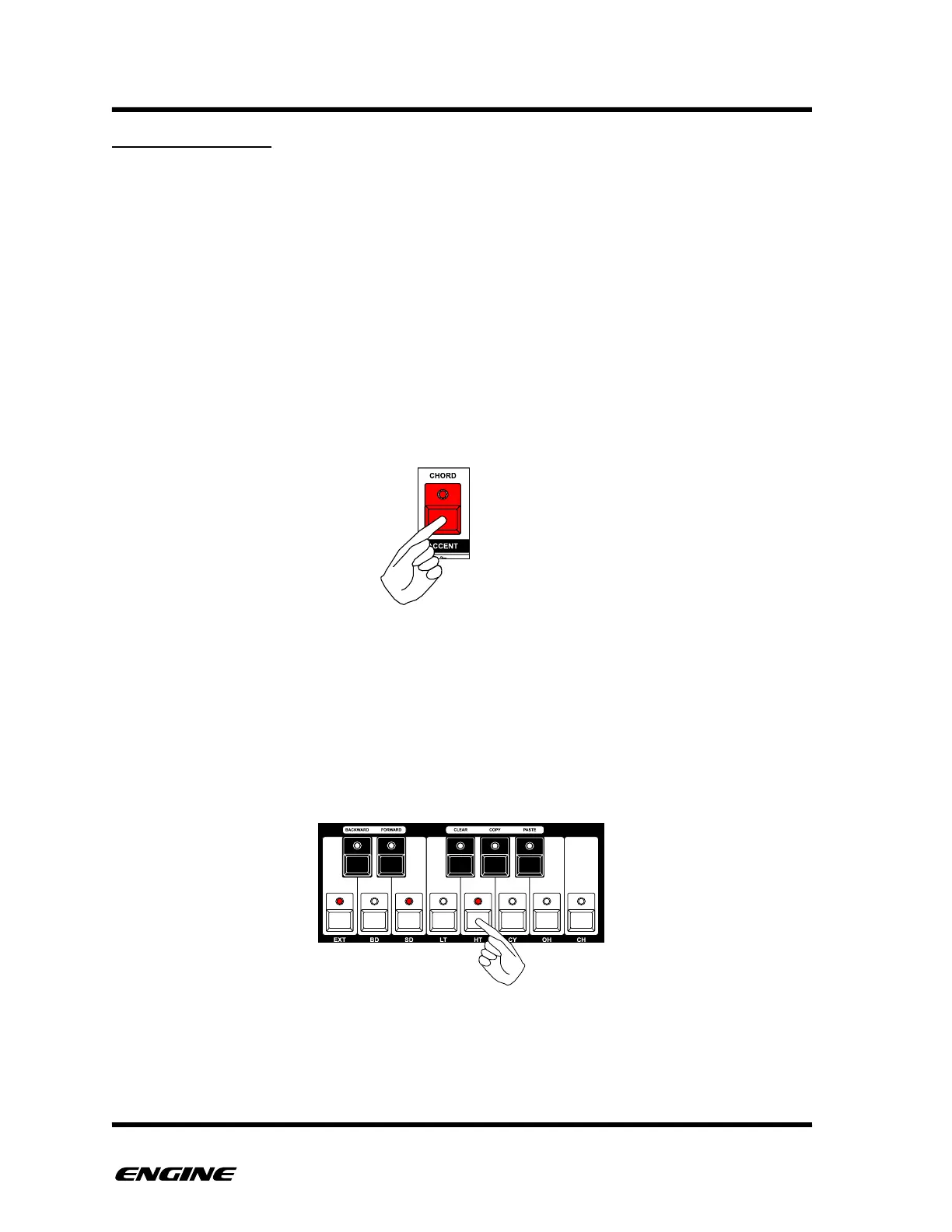
To enter CHORD MEMORY mode, press and hold (or double click) the CHORD button.
The current chord shape will be shown on the mini-keyboard LEDs. If no chord is defined,
there will be no LEDs lit.
To define a new chord shape, while in CHORD MEMORY mode, click up to four of the
mini keyboard buttons. The lowest note represents the basis of the chord and will be
played with PITCH 1 from the programmed sequence. Additional notes in the chord
shape will be played as an interval from the base pitch, transposing the chord according
to the base pitch.
To remove or change the chord, click lit mini keyboard buttons to remove notes from the
chord. If there is only one lit note in the chord, or no lit notes, there will be no chord
played.!



 To Next Page