SNAPSHOT RECORD
Recording a new snapshot will only maintain pointers to the currently selected patterns
and pattern chains in each track, it does not modify pattern data. This means that
recording a new snapshot could point to the same patterns used by a previous snapshot,
if the pattern selections have not changed. This can be useful when making song wide
changes to a pattern, or if you wish to conserve pattern usage. Because the transpose
and drum/ctrl mute state is stored with the snapshot, you can use a single pattern with
different snapshot settings to create variation.
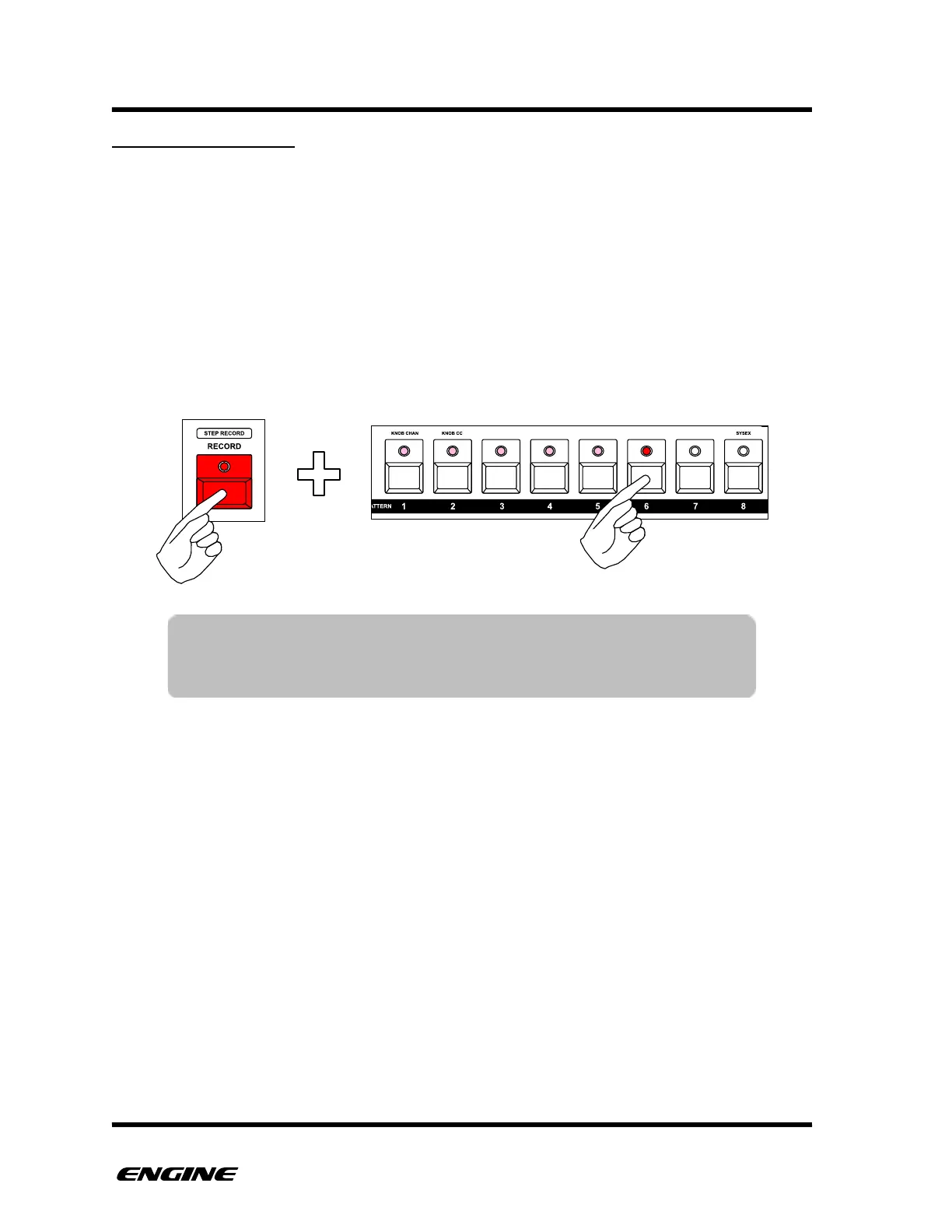
To record a new snapshot, while in SNAPSHOT mode, press and hold the RECORD
button, then press a pattern step button. The new snapshot location will be recorded and
selected automatically.
TIP: You can continue to set the track mutes, pattern transpose and
drum instrument mutes without leaving SNAPSHOT mode, making
it much quicker to create and store snapshot variations.



 To Next Page