DISABLE/ENABLE TRACK CV SLIDE
The slide circuit for a track using the CV/Gate output expansion can be completely
disabled if required. This means that playing legato or patterns that have programmed
slide will not create a CV slide, instead they jump immediately to the next pitch.
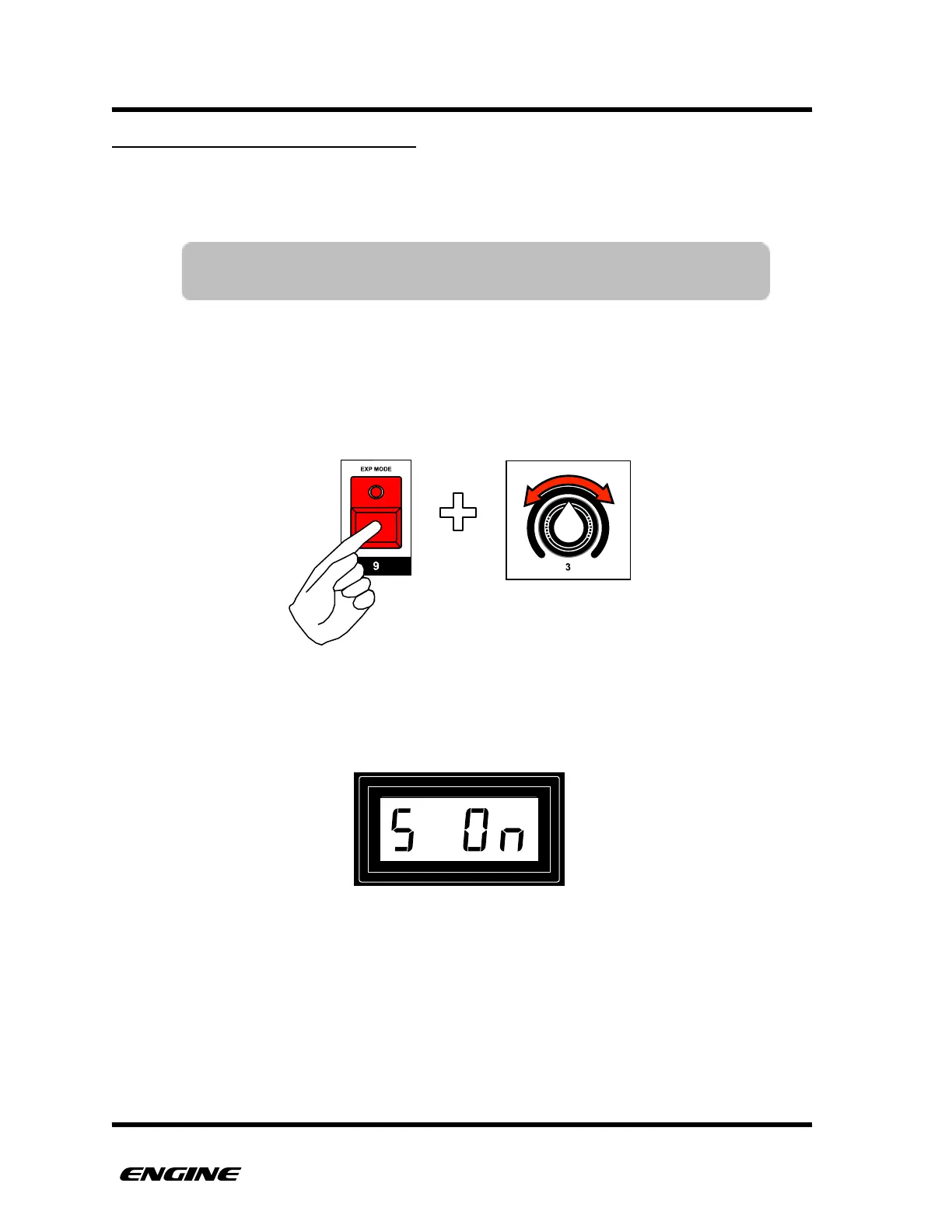
To enable or disable the slide circuit for a track, while in UTILITY MODE, press and hold
EXP MODE (step 9) button. Then rotate control knob 2 to enable or disable slide. You
can also use the BACKWARDS and FORWARDS button to change the value.
The current slide circuit setting will be shown on the LED display while continuing to hold
the EXP MODE button.!



 To Next Page