SELECTING CURRENT SONG STEP
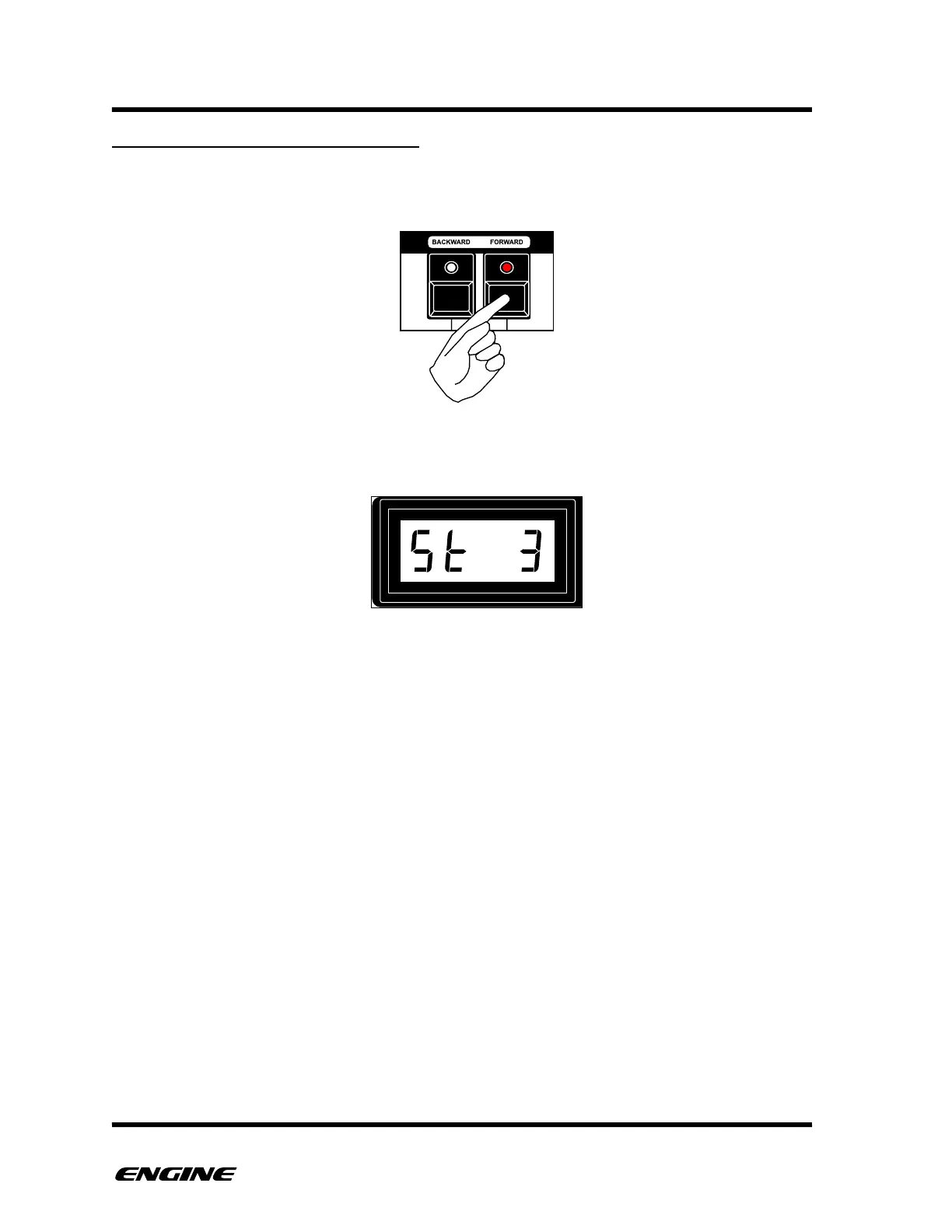
While in STEP RECORD mode, you can move to specific song steps by clicking the
BACKWARD (C#) or FORWARD (D#) buttons.
Each song can have a maximum of 64 song steps. The current selected song step will be
displayed on the LED display.
Changing the song step happens immediately, to make programming songs quicker, but
this also means that it can introduce abrupt changes as patterns and pattern settings
change."



 To Next Page