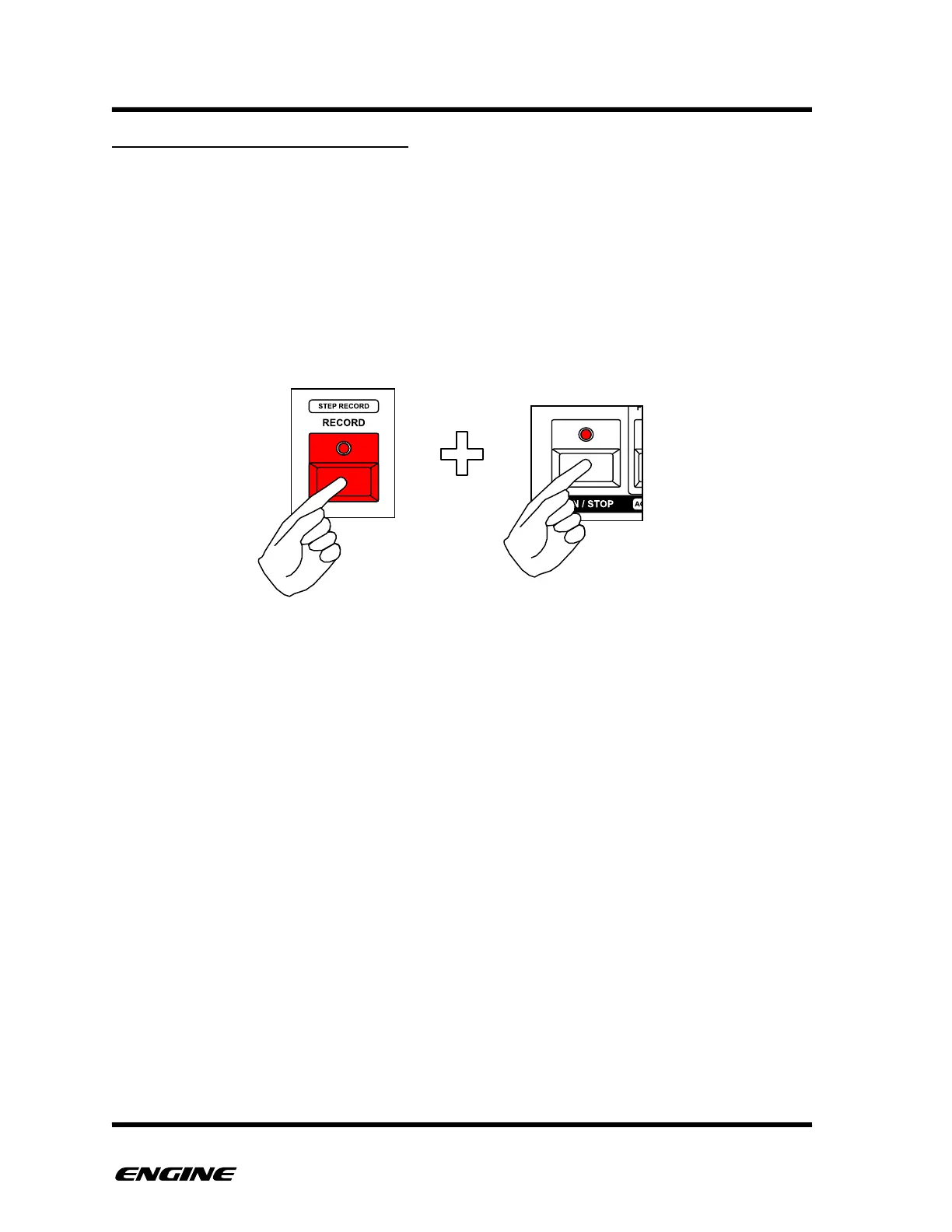
PAUSE RECORD REALTIME SONG
You can also use the PAUSE RECORD feature in realtime song record.
PAUSE RECORD allows a stopped sequencer to be started with the first click of a
snapshot button and then commence realtime recording of the song. This is useful when
you wish to record a performance precisely from a specific point in a song.
To use PAUSE RECORD, in SONG MODE with the sequencer stopped, hold the RECORD
button, then click the RUN/STOP button. The LEDs of both the RECORD and RUN/STOP
will blink while the sequencer is paused.



 To Next Page