STEP RECORDING
Step recording is an alternate way to enter control values by moving from one step to the
next in sequence. This can be done while the sequencer is running or stopped.
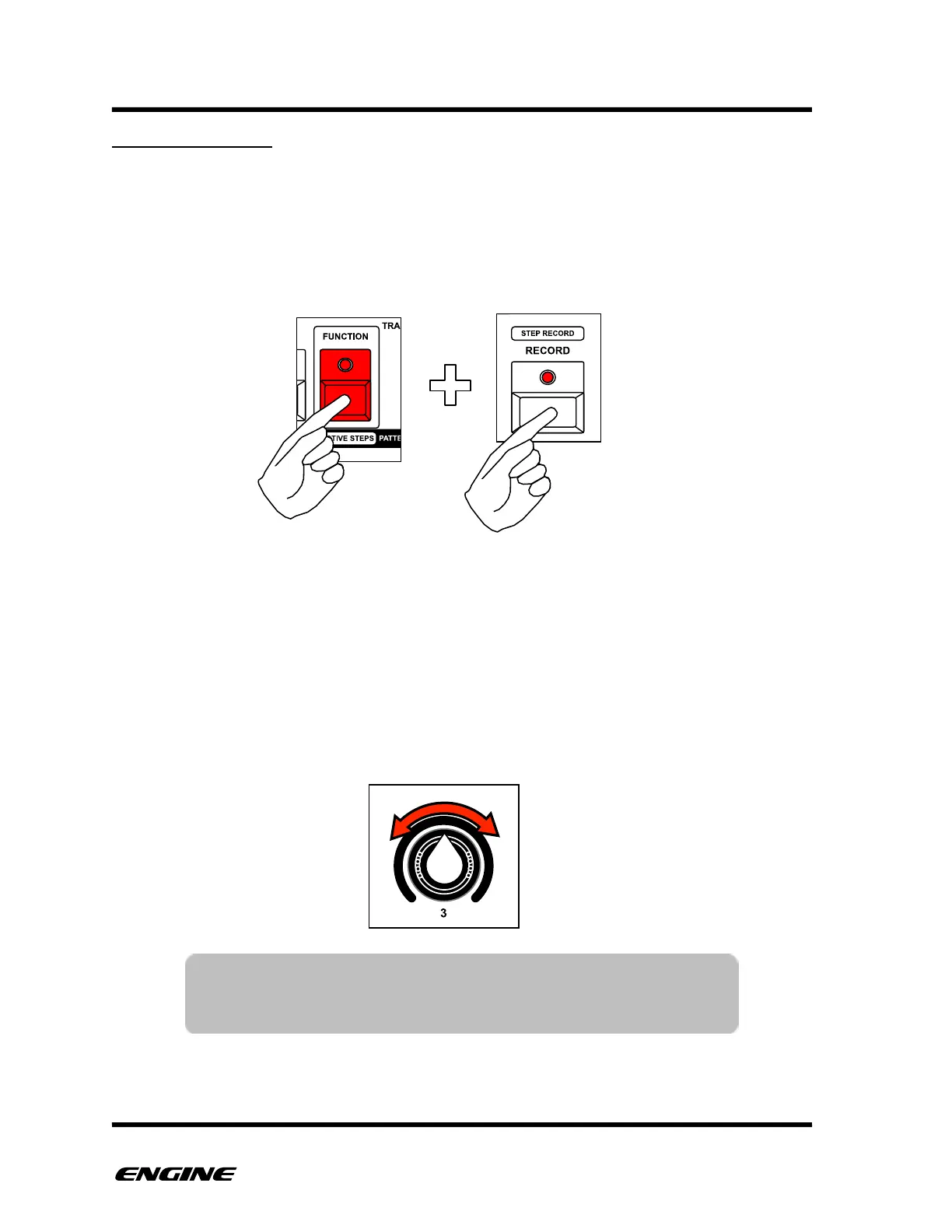
To enter STEP RECORD, press and hold (or double click) the FUNCTION button, then
click the RECORD button. Both the FUNCTION and RECORD LEDs will blink to indicate
you are in STEP RECORD mode.
The current step location is indicated on the pattern step buttons with a bright blinking
LED. You can immediately jump to a particular step by clicking a pattern step button, or
begin entering step events from the beginning of the sequence.
In STEP RECORD, you can use the first six white buttons of the mini keyboard labeled 1
thru 6 to select which control is displayed on the step LEDs.
To enter control values, rotate one of the control knobs. The value of the control knob will
be recorded to the current step and the step will advance automatically.
NOTE: Because a knob has a range of 0-127 values, turning the
knob quickly will advance through the pattern steps very
quickly! Try turning the knob slowly to see the steps advance.



 To Next Page