SYNTH1/SYNTH2: SETTING STEP PITCH USING MIDI
Each track can be configured to listen to incoming MIDI notes to set the pitch of a
selected step in grid recording. This is useful if you wish to use an external controller to
set the pitch of steps or enter chords in grid recording.
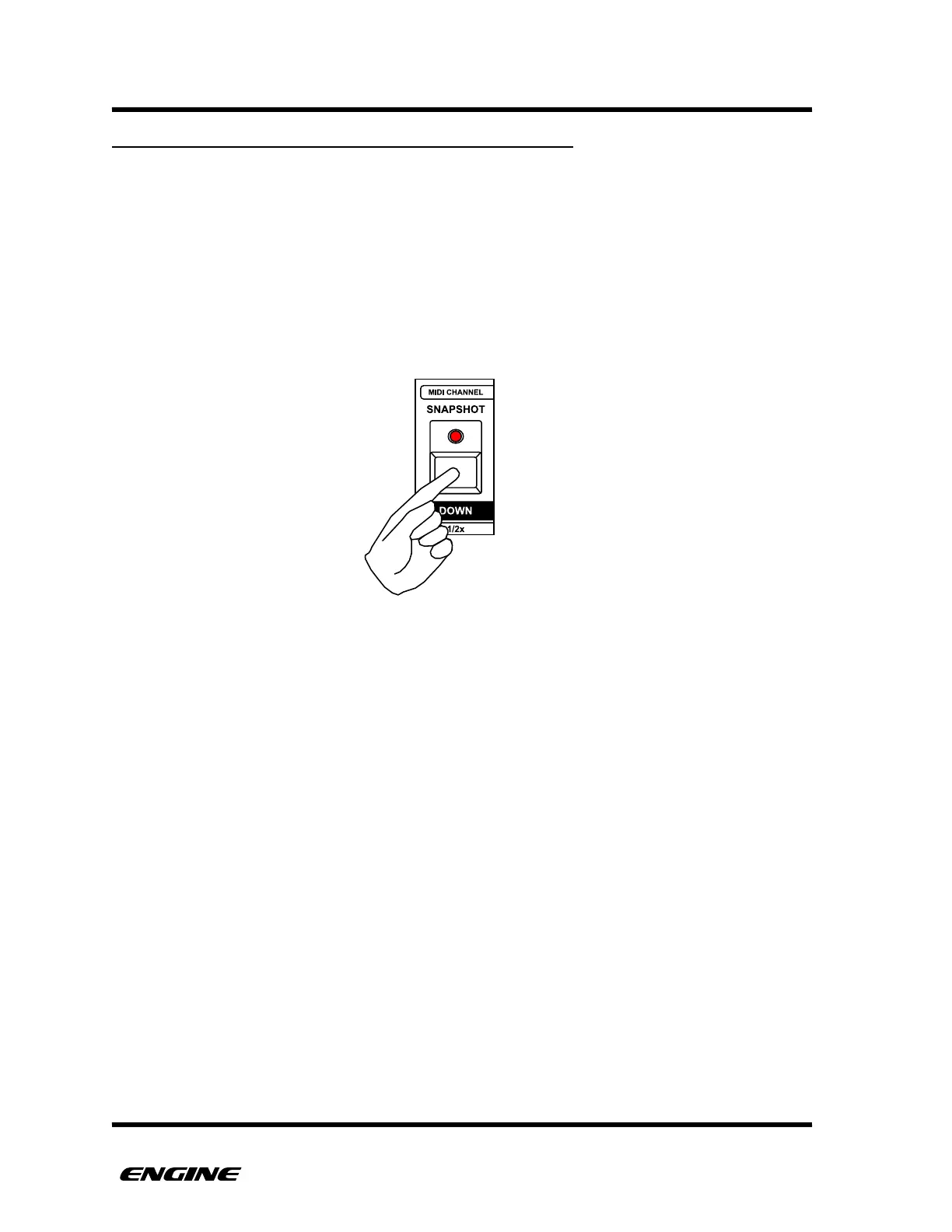
To enable or disable MIDI pitch entry for a track, in UTILITY mode, click the OCTAVE
DOWN button. When MIDI pitch entry is enabled for the track, the OCTAVE DOWN
LED will be lit, if MIDI pitch entry is disabled , the LED will be off.
MIDI pitch entry respects the settings for MIDI input channel and track channels.!



 To Next Page