CHECKING OS VERSION
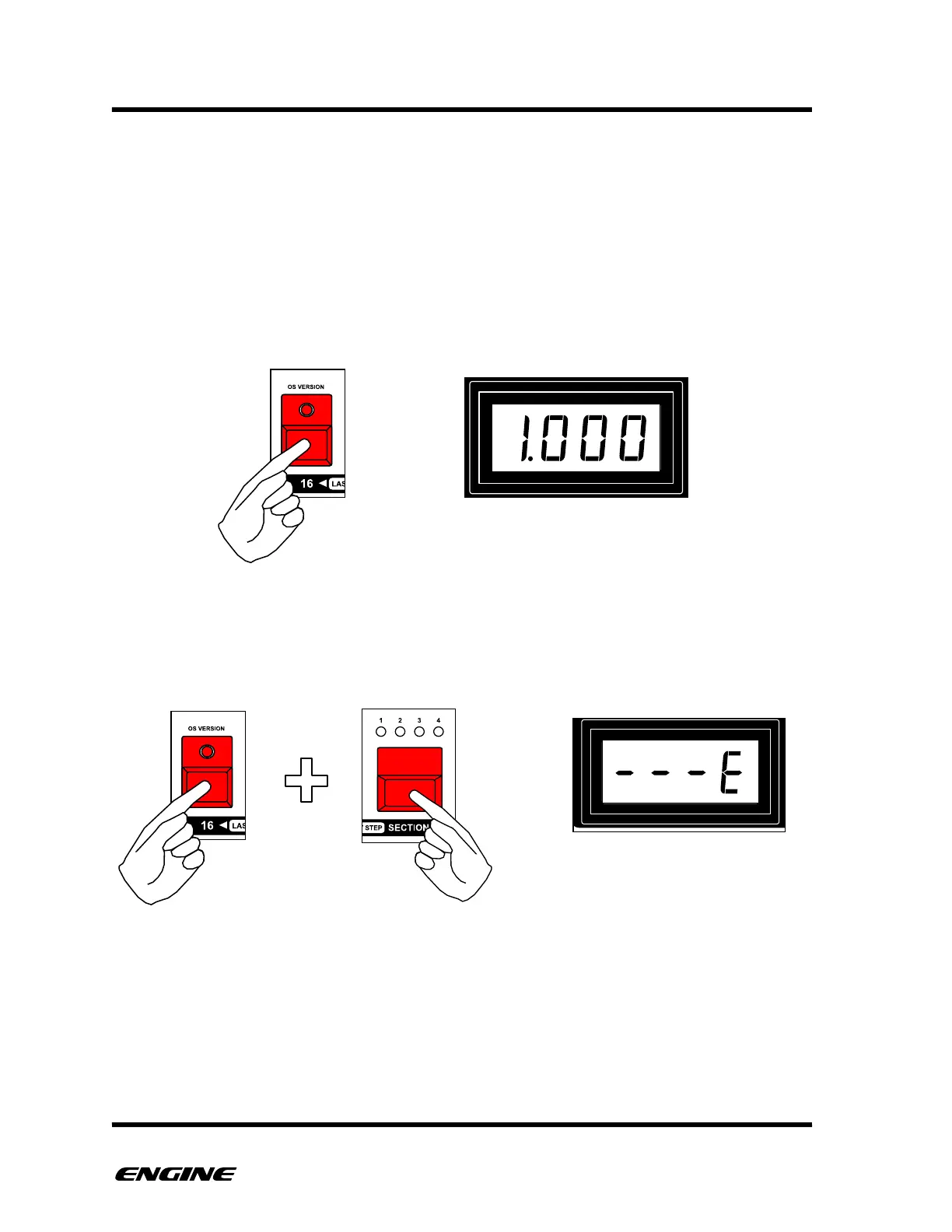
To check the current version of the Engine firmware, while in CONFIG mode, press and
hold pattern step button 16. The current version number will be displayed on the LED
display.
Periodically, new versions of the Engine firmware will be released to add new features
and fix bugs. If the version displayed is less than the current version, it is recommended
to update to the latest version.
Minor revisions of the OS also include a sub version identifier, this can be displayed by
holding the SECTION button while displaying the OS VERSION.



 To Next Page