USING TRACK MODULATORS
A control knob can also be configured to modulate other track parameters. The track
parameters that can be modulated are pitch, velocity, gate time, note delay and note
repeat. A knob can modulate a single track or all tracks.
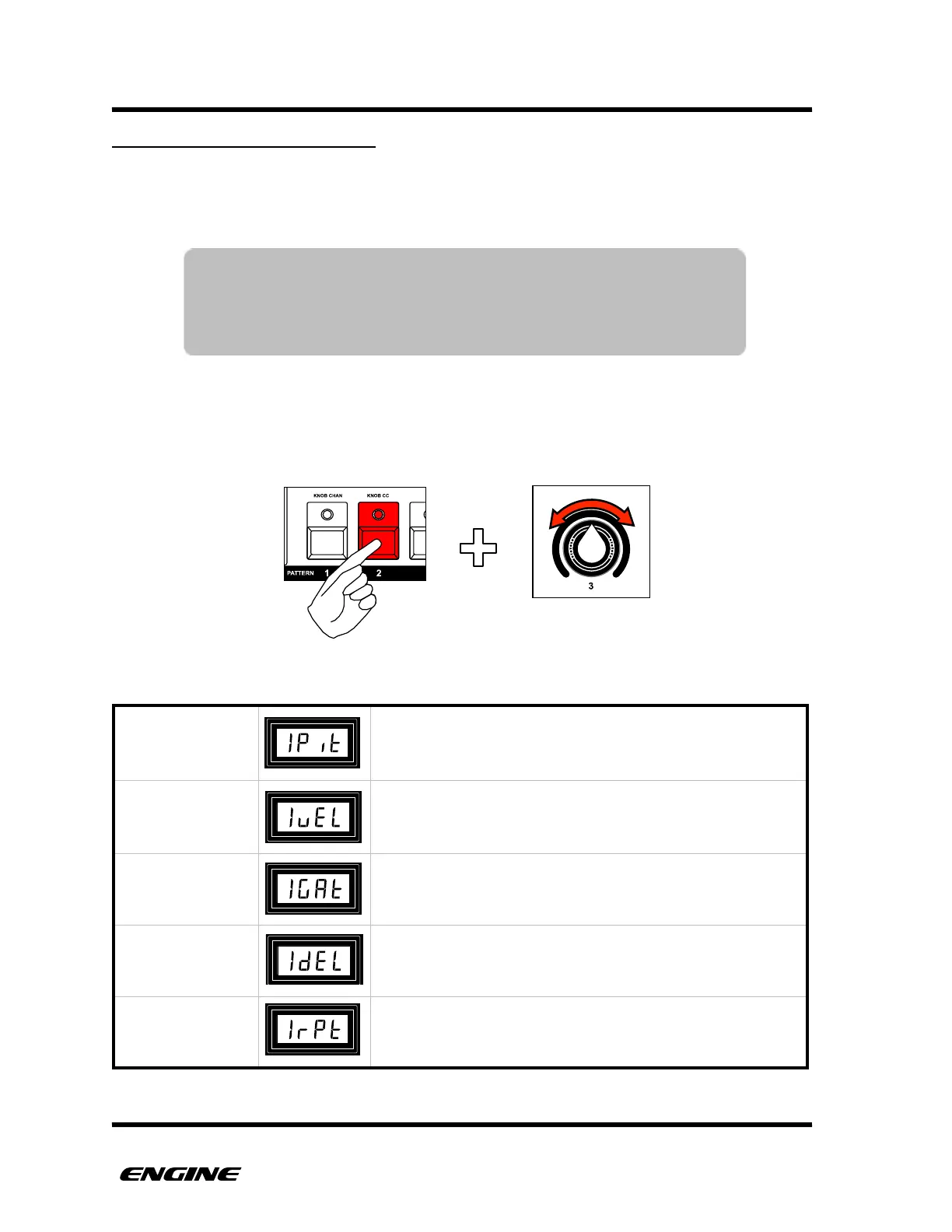
To set the track modulation destination for a control knob, while in UTILITY mode, press
and hold pattern step button 2, then turn the control knob you wish to set. Turn the knob
to the values above C127, starting with 1Pit (for track 1 pitch) and ending with ArPt (for
all tracks note repeat).
For SYNTH type patterns playing in the target track, the
pitch will be modulated. Modulation range is -64 to +63.
Modulates the velocity of notes playing in the target track.
For CONTROL TYPE patterns, the control value is
modulated. Modulation range is -64 to +63.
Modulates the gate time of notes playing in the target
track. Modulation range is -32 to +31.
Modulates the step delay of steps playing in the target
track. Modulation range is -6 to +5.
Modulates the note repeat setting of the target track.
Modulation range is OFF to rPS8.
NOTE: When a knob is configured for track modulation, it does
not send modulation values in realtime, it can only be used to
set or record values into a control type pattern. This prevents a
knob from accidentally setting a track modulation value.
Setting the control destination number for knob



 To Next Page