MUTING TRACKS
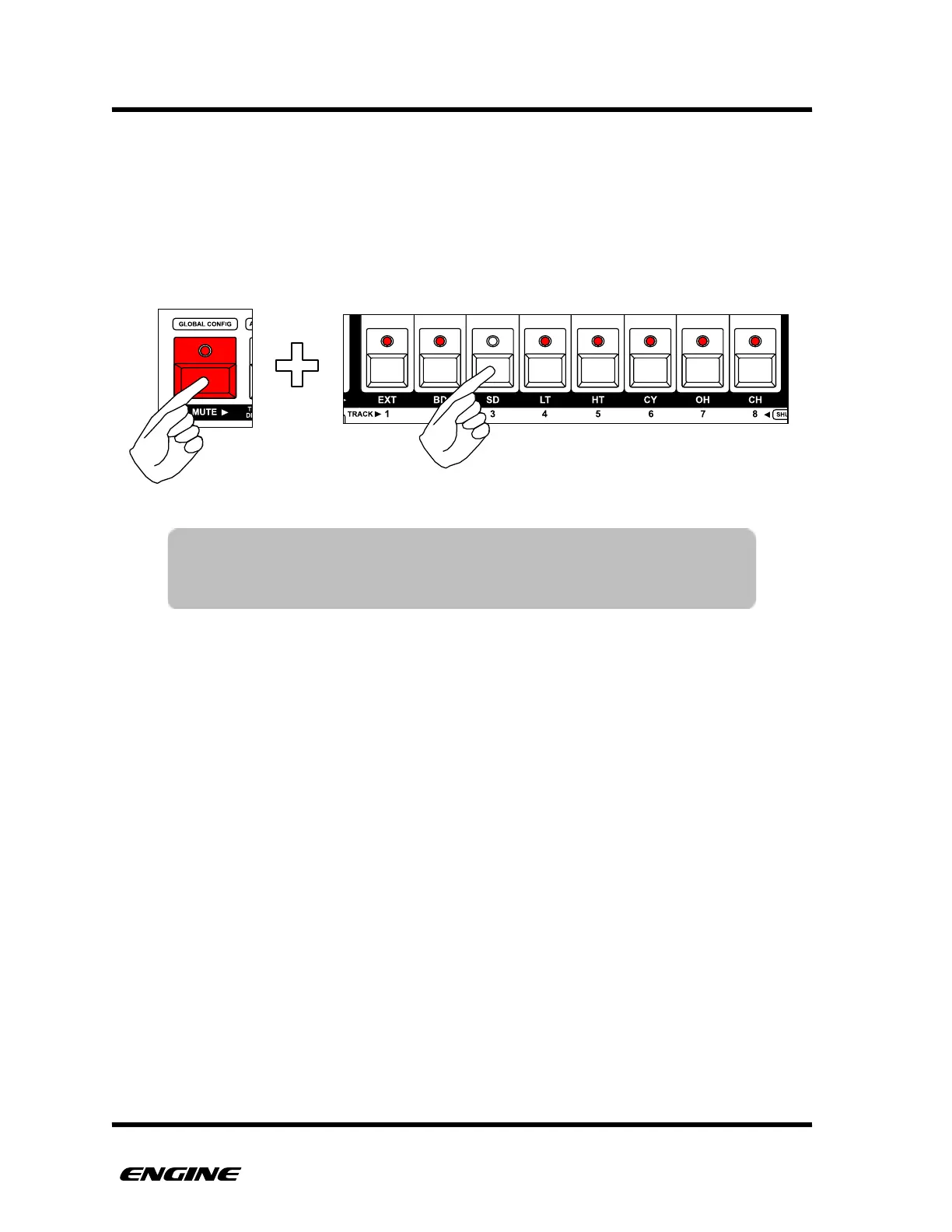
Each track can be muted individually for creating variations or live performance. To mute
a track, while in normal mode, press and hold the MUTE button, then click the track you
wish to mute or unmute. Muted tracks are shown as an unlit track LED, while unmuted
tracks are shown with a lit LED.
TIP: The MUTE button can be double clicked to pin the track mute
function. This is useful for live performance when muting and
unmuting tracks is a common action.



 To Next Page