SNAPSHOT RECALL SETTINGS
Snapshots store the settings for track MIDI effects, MIDI channel/port, pattern transpose/
mute, track mute as well as the current sequencer tempo. In some cases you may not
wish to recall these settings when selecting a snapshot. This is useful when performing a
song and using MIDI effects in realtime, because recalling MIDI effects would introduce
jumps in the performance.
To configure which settings are recalled by the snapshot, you can enable or disable the
recall of MIDI effects, MIDI channel/port, track mutes and pattern transpose/mute
separately.
"
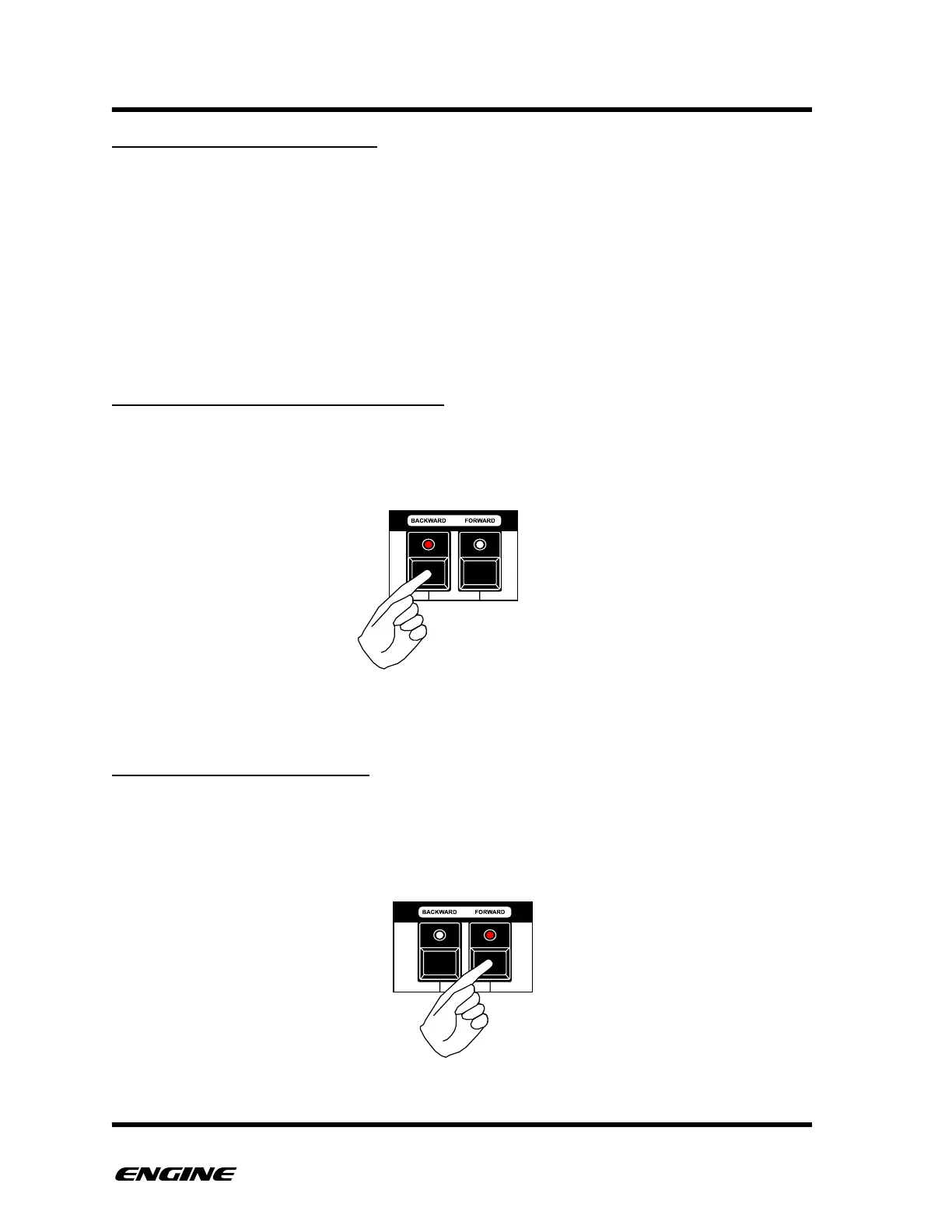
TRACK MIDI PORT/CHANNEL RECALL
In SNAPSHOT UTILITY mode, the C sharp (BACKWARD) button shows the recall of MIDI
channel/port. Click the button to toggle the setting. When the LED is lit, MIDI channel/
port for each track will be recalled.
TRACK MIDI EFFECTS RECALL
In SNAPSHOT UTILITY mode, the D sharp (FORWARD) button shows the recall of MIDI
effects. Click the button to toggle the setting. When the LED is lit, MIDI effects for each
track will be recalled with snapshots.



 To Next Page