SETTING NOTE REPEAT
Each trigger can be enabled for the note repeat MIDI EFFECT. This will cause the step to
be retriggered according to the note repeat setting for the track. This creates a flam type
effect.
If the track MIDI EFFECT has a note repeat setting of zero, you will not hear any repeats.
For details on using the note repeat MIDI EFFECT, please see the MIDI EFFECTS section
under FUNCTION MODE.
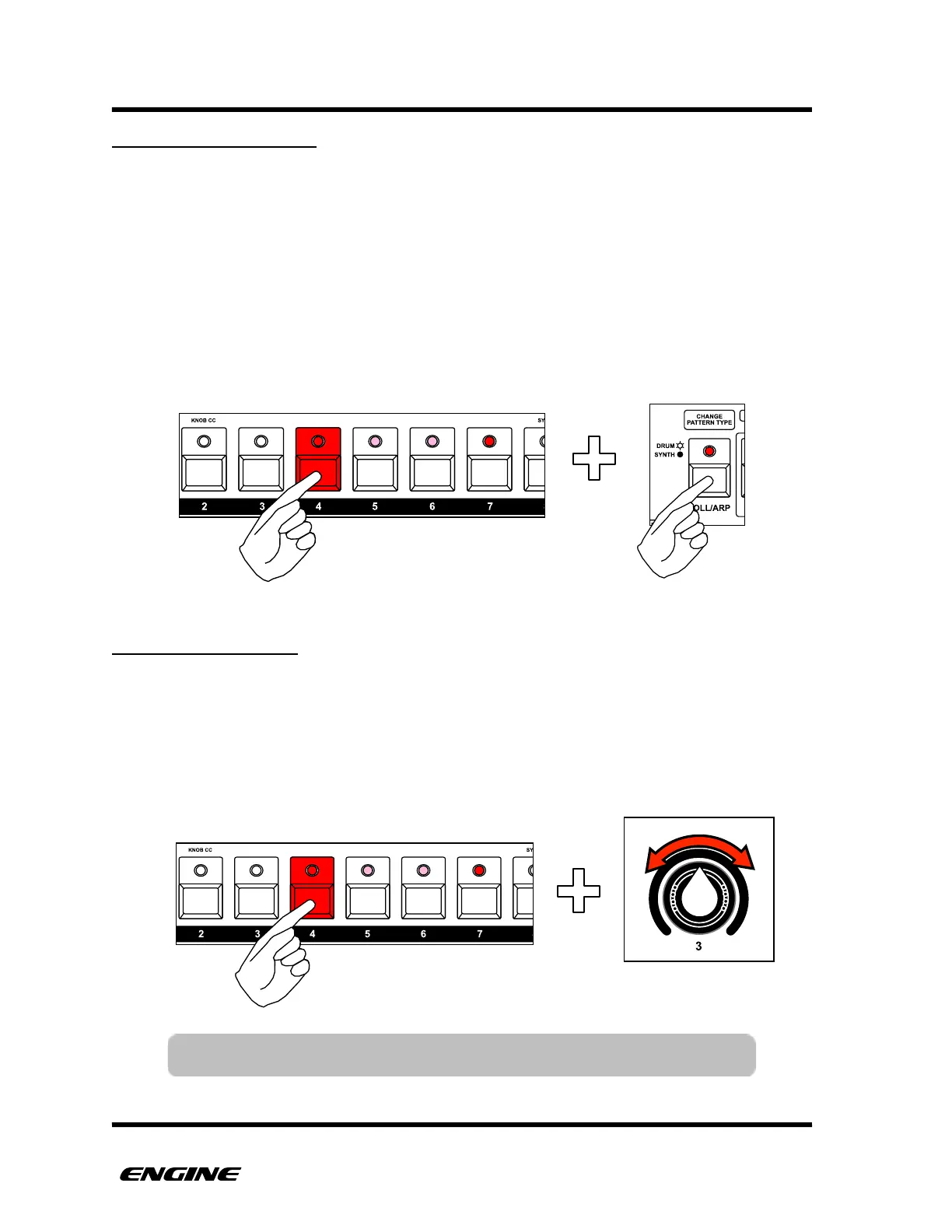
To set note repeat for a step, press and hold the pattern step button. Then click the ROLL/
ARP button to turn note repeat on or off. The current note repeat setting is indicated by
the ROLL/ARP LED.
"
SETTING STEP DELAY
Each step of a drum type pattern can have a delay added to the start of the step. This
can create a more humanized feel in programmed patterns. The amount of delay
available will vary based on the current TIME SCALE for the pattern.
To set the delay for a step, press and hold the pattern step button. Then use control knob
3 to set a delay for the step. The current delay will be shown on the LED display.!



 To Next Page