SET FIXED VELOCITIES
DRUM and SYNTH2 patterns used a fixed set of velocities for playback. This is in contrast
to SYNTH1 and CONTROL type patterns which have full 0-127 velocity range.
The fixed velocity values can be changed per track, allowing fine tuning of the velocities
to suit the device being controlled.
DRUM type patterns use three fixed velocities for ghost, normal and accented notes.
SYNTH2 type patterns use four fixed velocities for ghost, normal, mid accent and
accented notes. The mid accent velocity is always calculated dynamically as half way
between normal and accented velocity. For example if normal velocity is 50 and accented
velocity is 100, the mid accent velocity would be calculated as 75.
Changing the fixed velocities will dynamically affect all DRUM or SYNTH2 type patterns
playing in the track.
For SYNTH1 type patterns, the fixed velocities for normal and accented notes are used
when clicking the ACCENT button to set the velocity, allowing for a quick “shortcut” to
setting note velocity to a certain value.
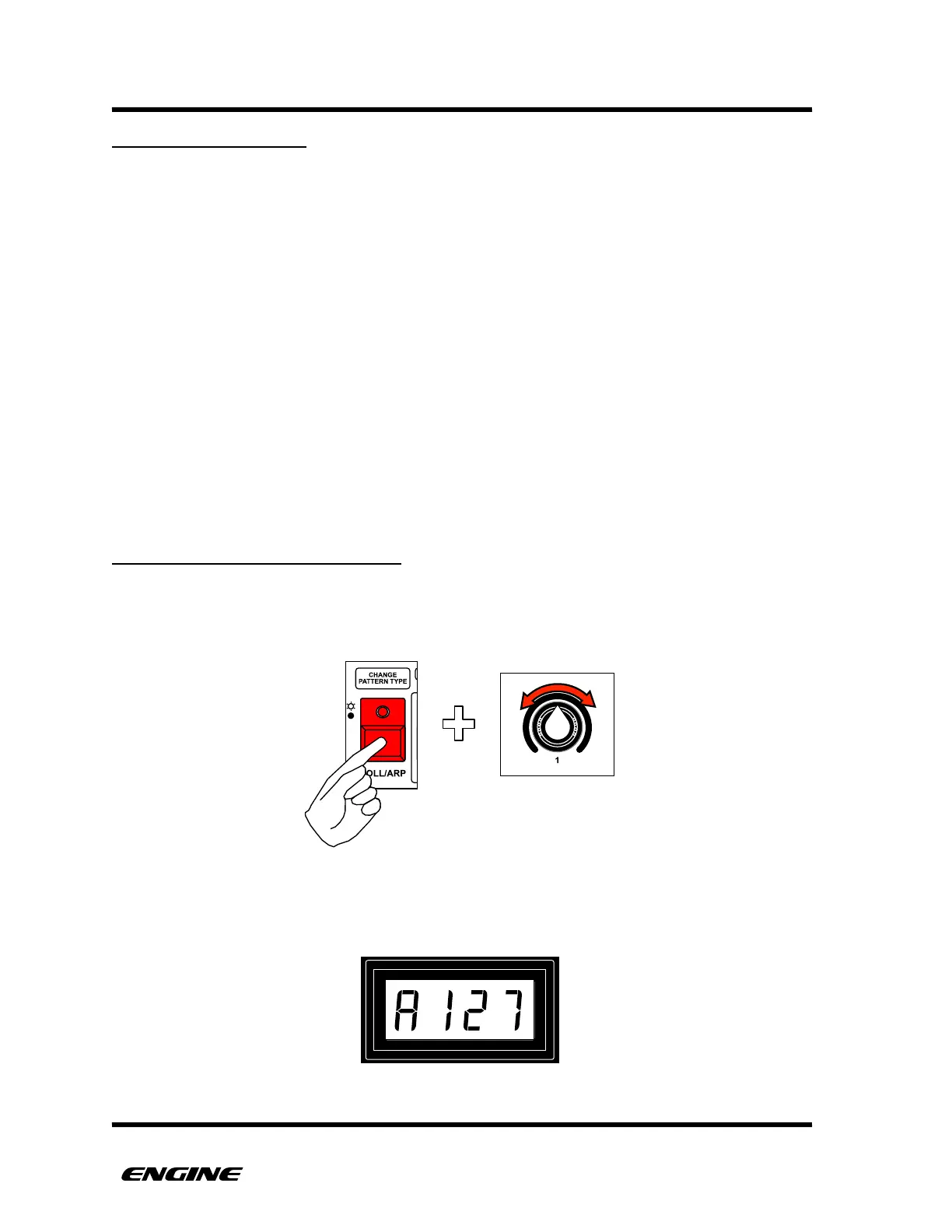
SETTING THE ACCENT VELOCITY
To set the accent velocity for the track, while in UTILITY MODE, press and hold the
ACCENT button, then rotate control knob 1.
The current accent velocity will be shown on the LED display while holding the ACCENT
button.



 To Next Page