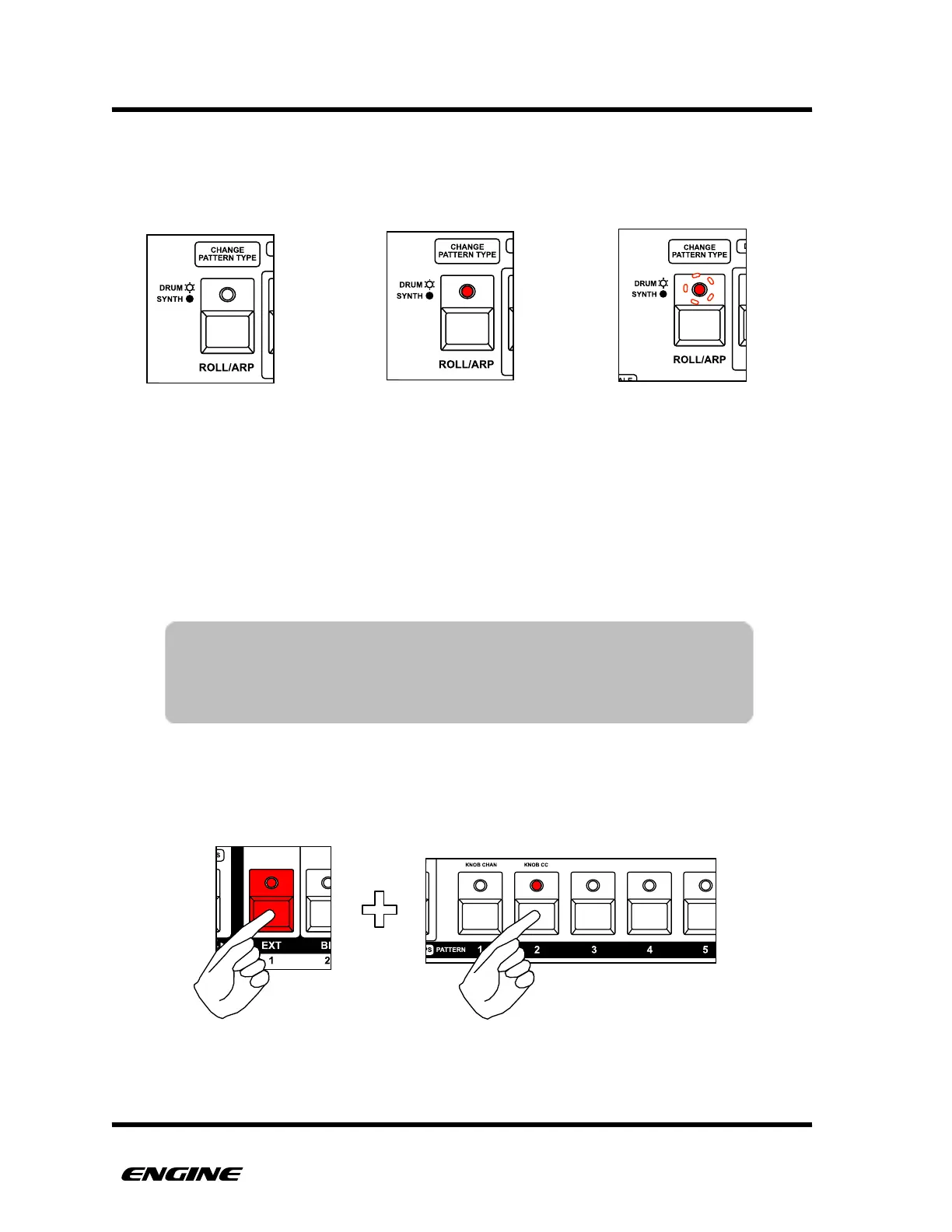
The Pattern Type LED will also change to show the type of pattern assigned to the selected
track. For Drum type patterns the Pattern Type LED will be lit, for Synth type patterns the
LED will not be lit, for Control type patterns, the LED will blink slowly.
SELECTING PATTERNS AND PATTERN CHAINS FOR A TRACK
TRACK SELECT mode is also where you will assign patterns or pattern chains to the
selected track. While holding one of the TRACK buttons, the pattern step LEDs change to
show the selected pattern for the track.
While in TRACK SELECT, use the pattern step buttons and the section button to select the
pattern and pattern bank assigned to the track. There are four banks of 16 patterns
available per track. The section button is used to switch between the four banks.
!
TIP: You can also double click the selected track button to pin it, then
you can select patterns and pattern chains without having to hold
the selected track button down. To unpin the selected track, just
click the selected track button again.



 To Next Page