NOTE REPEAT
The note repeat effect creates a ratchet type effect for steps that have note repeat set.
Please see the sections on GRID PROGRAMMING to learn how to set note repeat on a
pattern step.
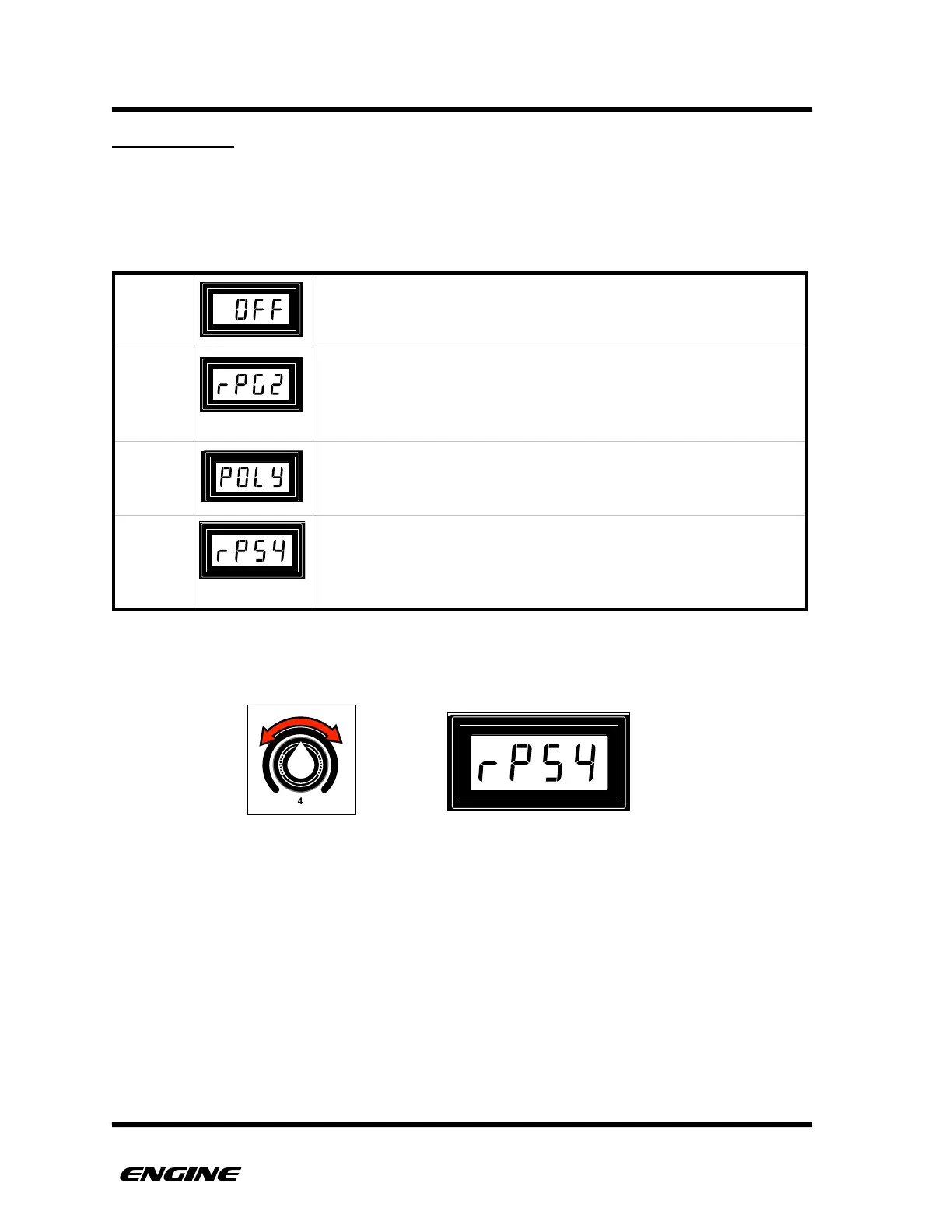
There are three distinct types of note repeat: gate, step and poly.
The note repeat setting can be adjusted using control knob 4. The current note repeat
value will show briefly on the LED display.
"
"
Programmed note repeats have no effect.
A step with note repeat enabled will quickly retrigger the same
note multiple times within the space of one step. The repeat range
varies from 1 to 4 repeats per step. Shown as “rPg” on the LED
display for “repeat gate”.
Poly repeat will sequentially play the multiple programmed pitches
of a SYNTH1 type pattern within the space of one step. Shown as
“POLY” on the LED display.
A step with note repeat enabled will play the pattern step multiple
times before moving to the next step. The repeat range varies from
1 to 7 repeats. Applies only to SYNTH type patterns. Shown as
“rPS” on the LED display for “repeat step”.



 To Next Page