SETTING CONVERSION MIDI CHANNELS
Each track can have a separate MIDI channel assigned. In polyphonic conversion mode,
only the MIDI channel for track 1 is used.
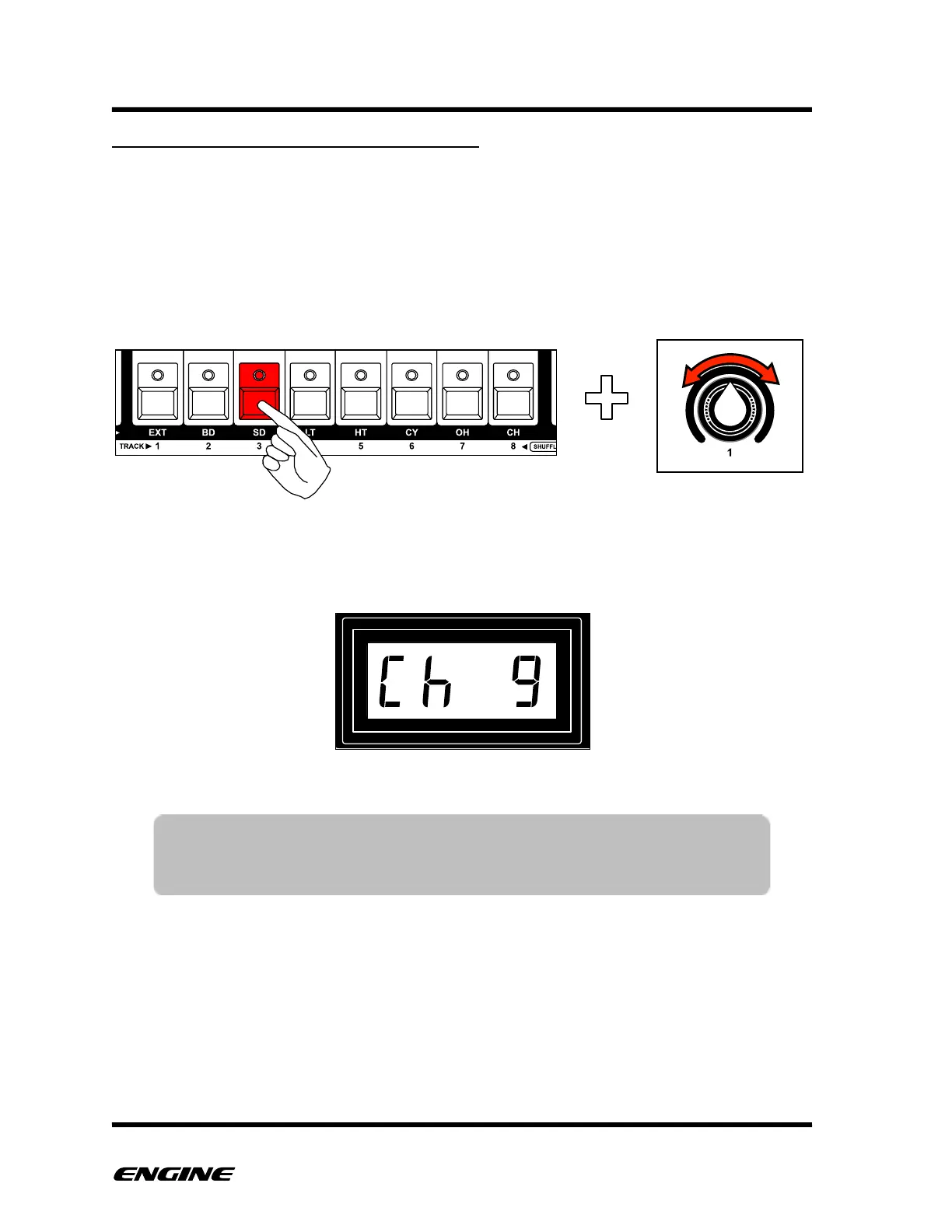
To set the MIDI channel for a CV/Gate output, press and hold the TRACK button that
corresponds to the CV/Gate pair. For example, to change the MIDI channel for CV/
Gate output 3, press and hold the TRACK 3 button.
To change the MIDI channel, while holding the track button, rotate control knob 1.
The current MIDI channel will be displayed on the LED display.
TIP: You can set multiple conversion channels to the same MIDI channel
to control multiple monophonic synthesizers from the same MIDI
notes.



 To Next Page