CONFIGURING TRACK KNOBS
When using track level knob settings, each control knob can be set separately per track.
This allows each control knob to be used to control a different parameter per track if
needed. To use track level settings, set the knob channels to “tr” in GLOBAL CONFIG
mode.
Each knob can be configured to control one of a few different types of destinations:
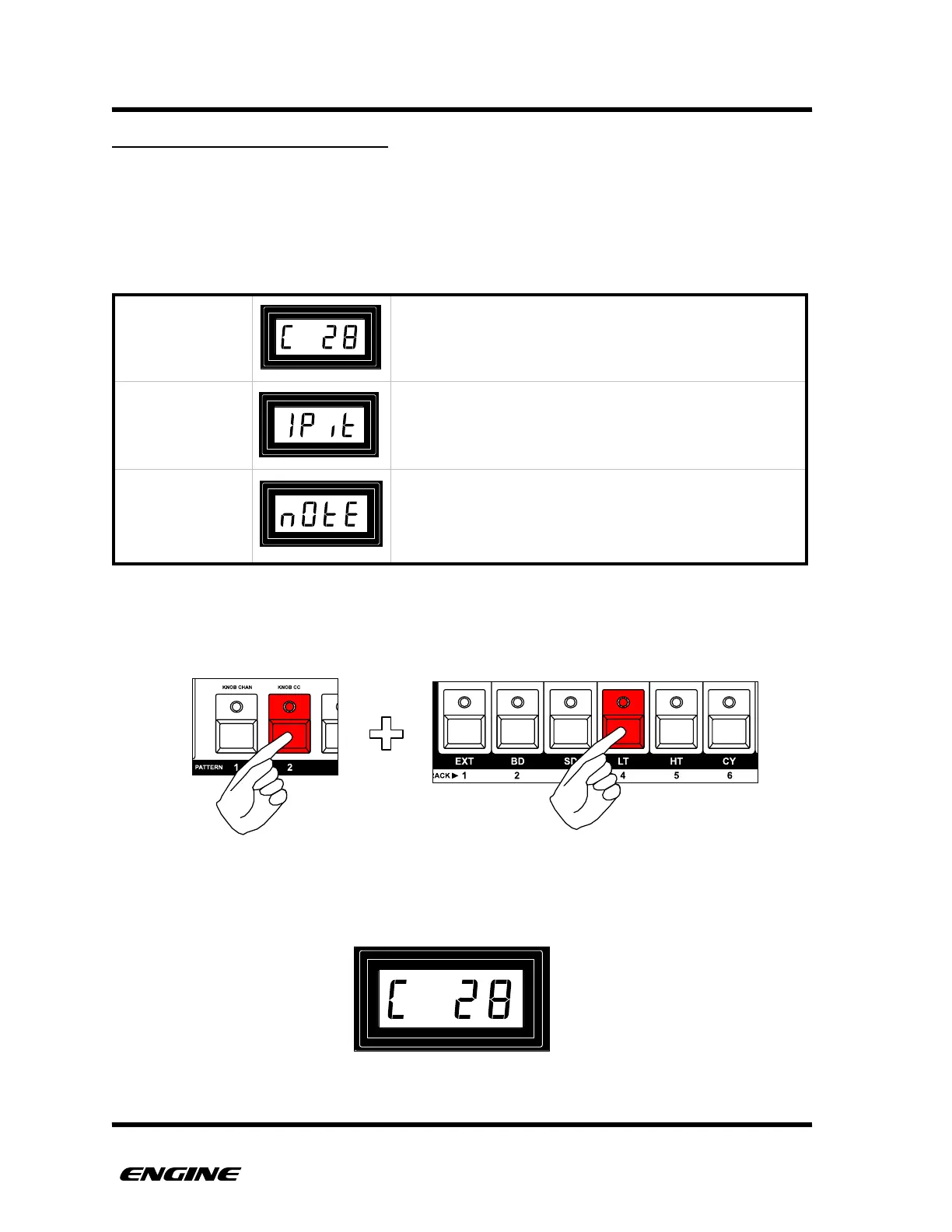
If you just want to view the current knob destination without changing it, while holding
pattern step button 2, press and hold the track select button corresponding to the
controller knob that you wish to view.
The current destination of the corresponding knob will be displayed on the LED display.!
The knob will send a standard MIDI controller message,
usually used to control parameters of other devices. The
knob can be used with any type of pattern.
When used with a CONTROL TYPE pattern, the knob
can be used modulate properties of other tracks, such as
pitch, velocity, gate or note repeat.
When used with a CONTROL TYPE pattern, the knob
can be used to send MIDI note messages. The MIDI
note used by the knob is configured with the DRUM
LEARN function.
Viewing control destination for knob 4
Knob configured for MIDI controller 28



 To Next Page