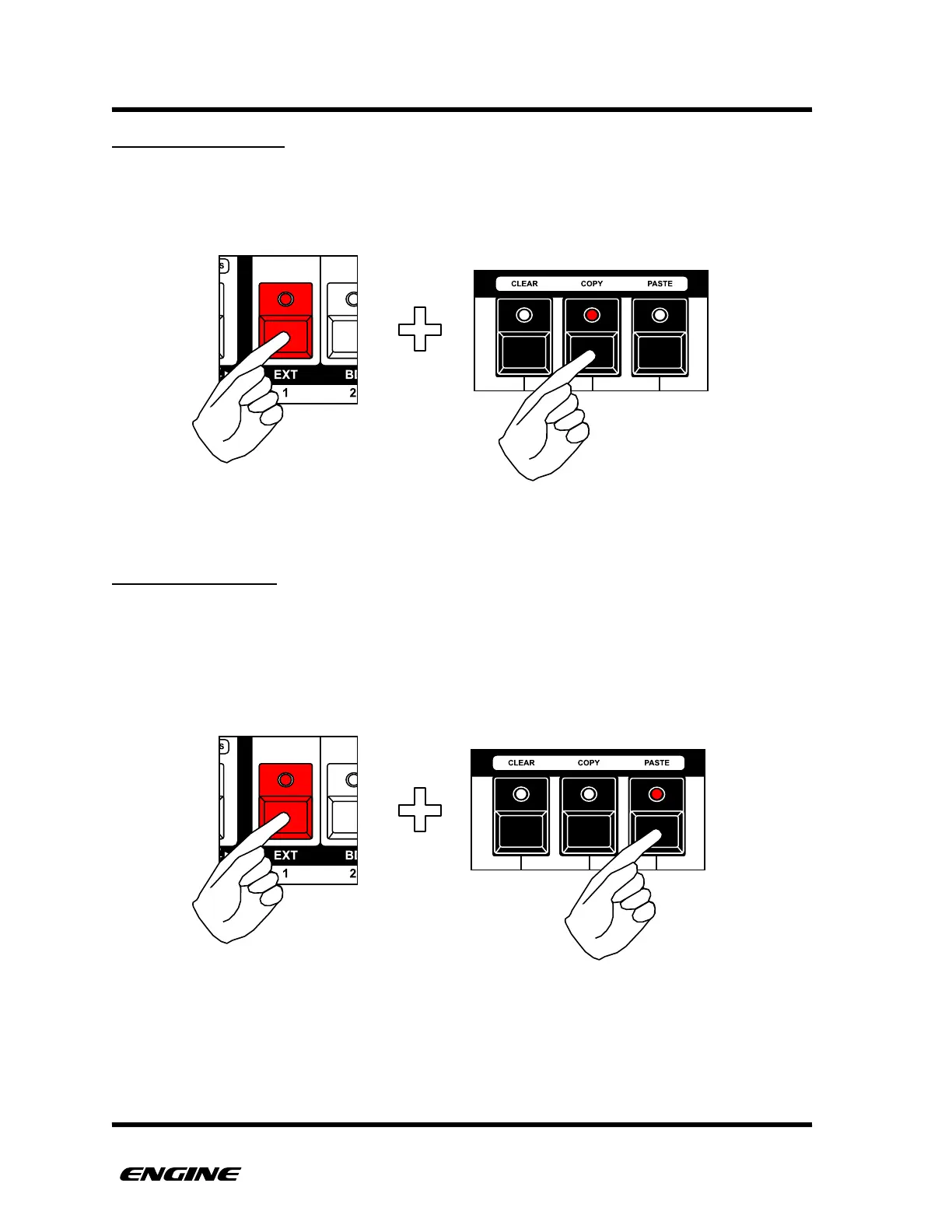
COPYING A TRACK
The settings for a track can be copied into the clipboard for later pasting into other tracks.
To copy a track, while holding the selected track, click the COPY button (G sharp).
PASTING A TRACK
The current contents of the TRACK clipboard can be pasted into the currently selected
track.
To paste a track, while holding the selected track, click the PASTE button (A sharp). This
will overwrite the current track settings.



 To Next Page