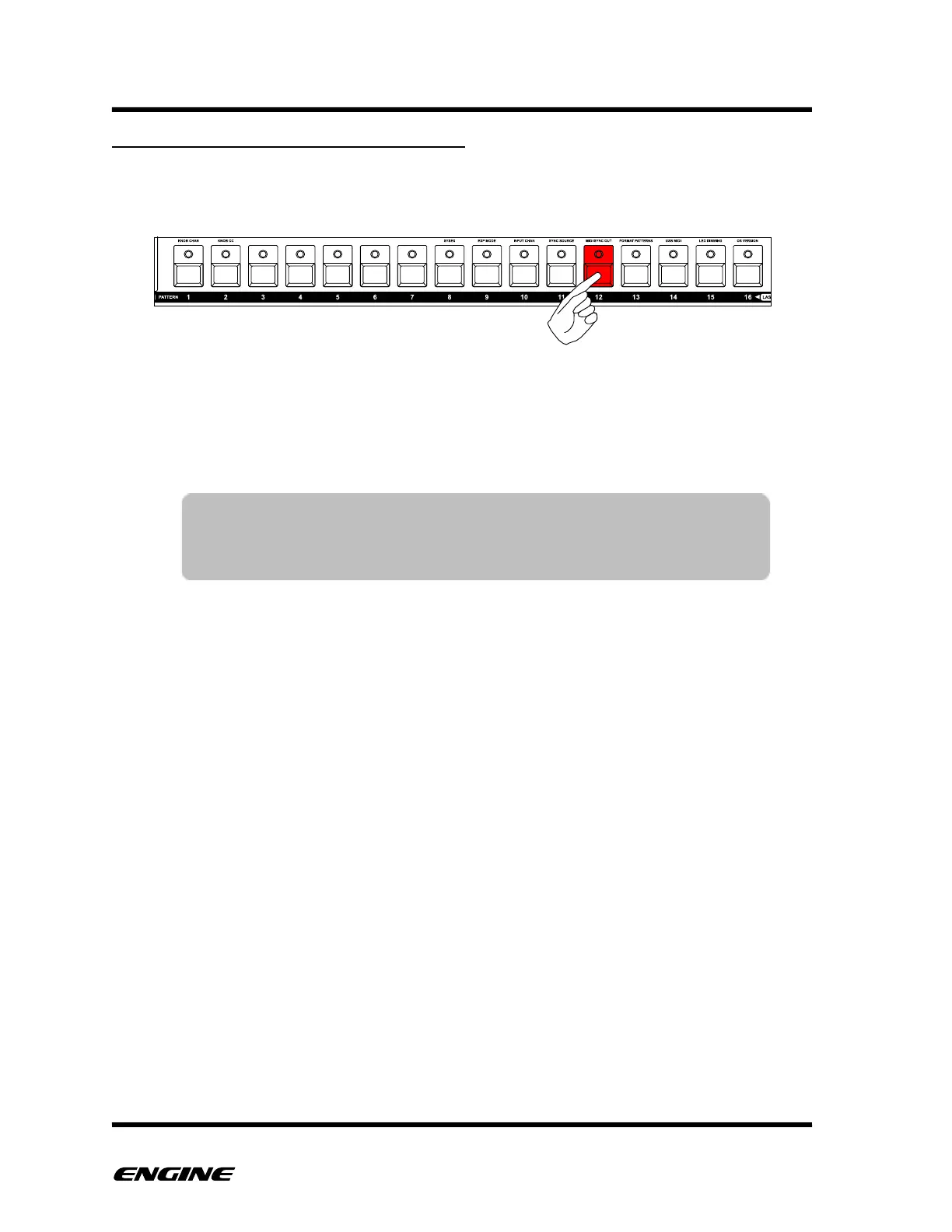
ADDING OR REMOVING A STEP EVENT
To add a new step event, click the pattern step button where you wish to place the event.
Continue to hold down the step button to see and edit other attributes of the step.
To remove the step, you can quickly click the step button.
If you wish to edit an existing step, you can press and hold the step button and the step
will not be removed when releasing the step button.
TIP: When the sequencer is not playing, the pitch of the step will be
played as it is selected. This makes it easier to preview the
programmed notes.



 To Next Page