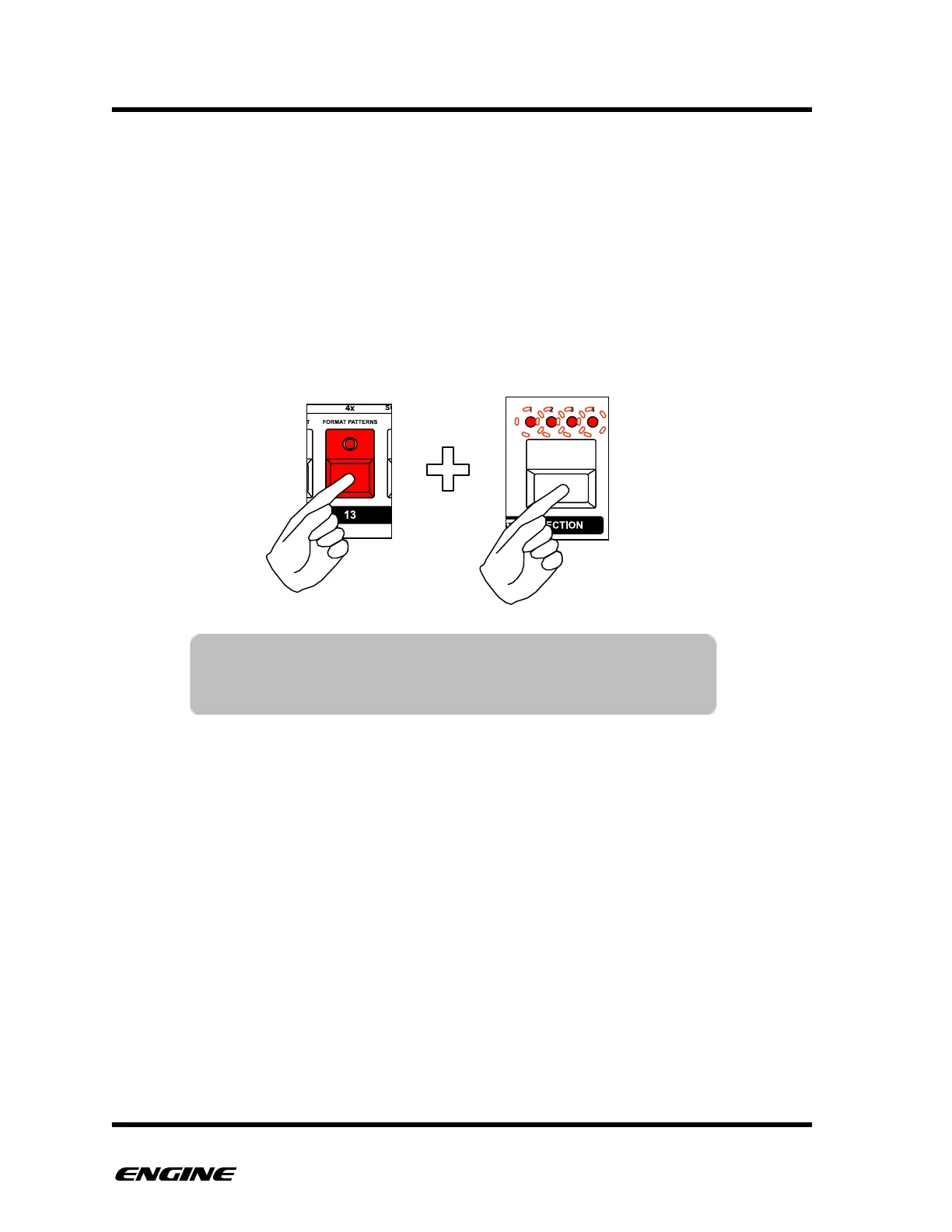
FORMAT ALL PATTERNS
Sometimes it may be necessary to erase all pattern data to start on a new project. It is
possible to format all patterns while leaving TRACK, SONG, SNAPSHOT and CONFIG
data intact.
The pattern type for each pattern will be maintained.
To format all patterns, while in GLOBAL CONFIG MODE, press and hold FORMAT
PATTERNS (pattern step 13), then click the SECTION button to confirm the operation.
WARNING: This operation cannot be undone!
!
NOTE: To erase all memory, including TRACKS, SNAPSHOTS,
SONGS and CONFIG, use the FACTORY RESET or
MACHINE WIPE functions.



 To Next Page