PATTERN PASTE
When a pattern has been copied into the pattern buffer using the COPY function, it can
be pasted into any other pattern location.
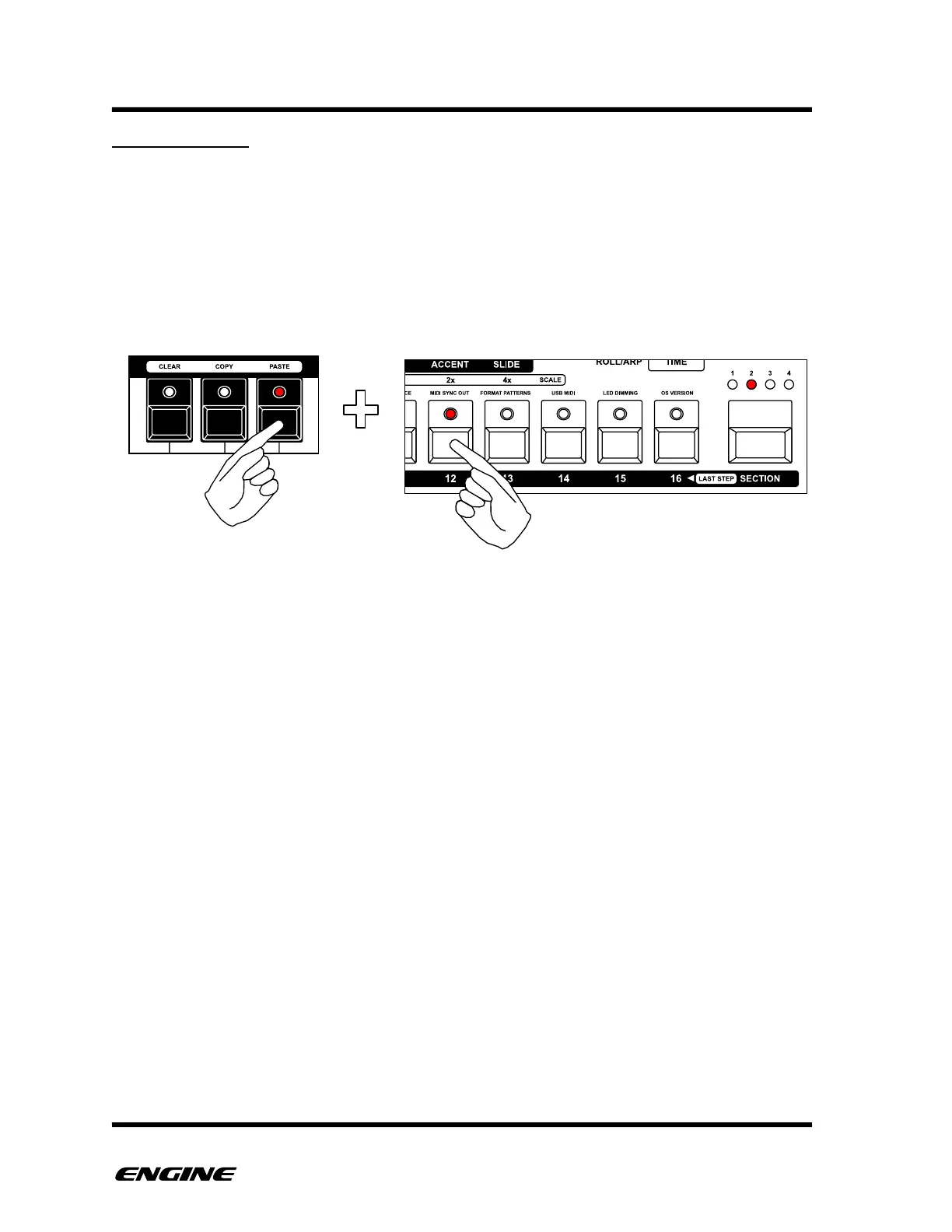
To paste a pattern, in FUNCTION mode, press and hold the PASTE (A#) button on the
mini keyboard, then click the pattern step button of the pattern you wish to paste into.
The current pattern is shown with a brightly lit LED on the pattern step buttons.
The same pattern can be pasted into multiple pattern locations



 To Next Page