SENDING MIDI CLOCK
You can determine whether Engine should send MIDI clock messages to the MIDI output
ports. This is useful to eliminate MIDI message activity if no other devices will be
synchronized to the Engine clock or if you would like to dedicate one of the three MIDI
output ports as a clock output.
If MIDI clock send is enabled, Engine will send continuous MIDI clock messages even
when the sequencer is stopped. MIDI Start and Stop messages will be sent when the
sequencer is started or stopped.
MIDI sync will also be transmitted when Engine is synchronized to an external clock,
meaning that Engine can be used as a DIN Sync to MIDI clock converter.
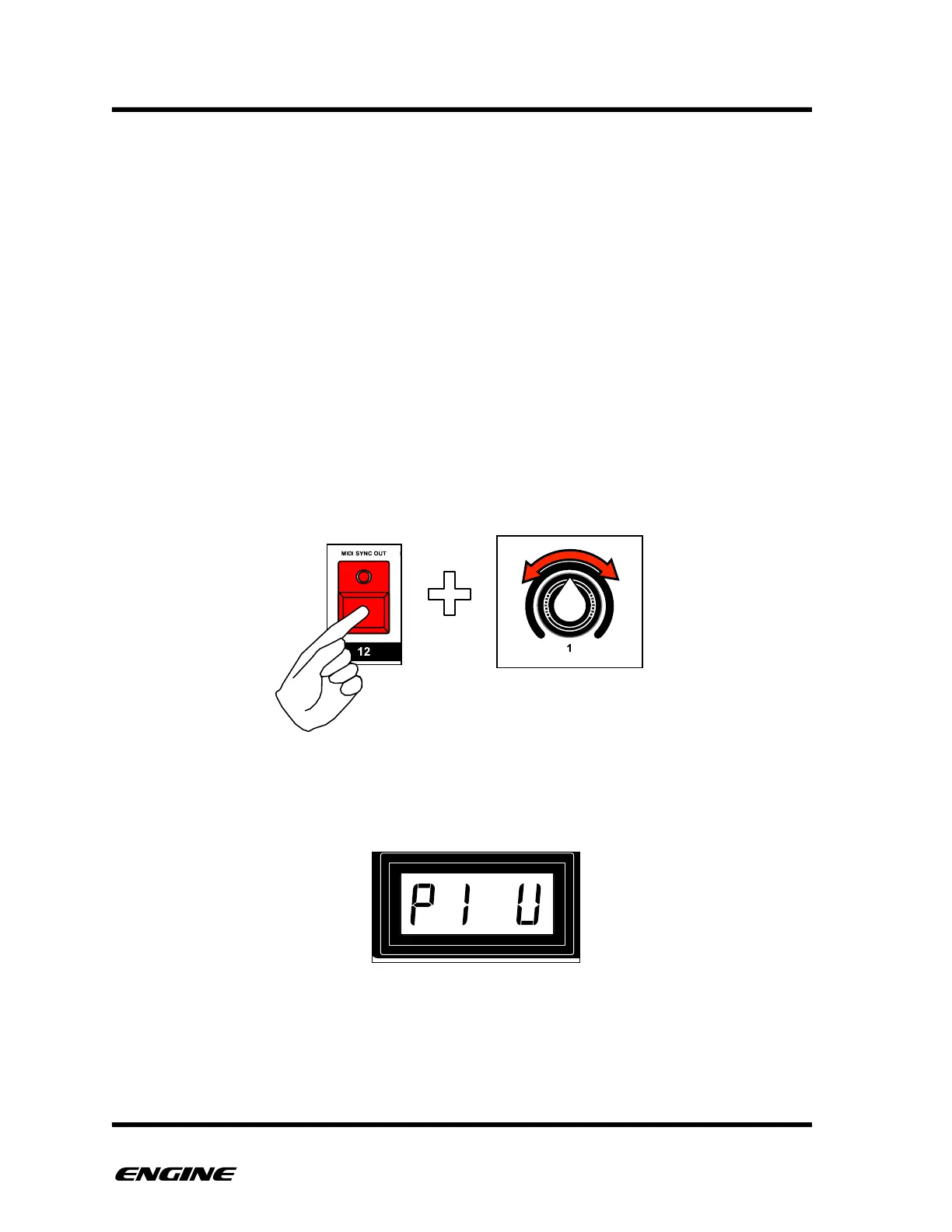
To change the sync output setting, while in CONFIG mode, press and hold the MIDI
SYNC OUT (step 12) button, then rotate control knob one or click BACKWARD/
FORWARD to select the desired outputs. You can select from OFF, MIDI OUTPUT 1, MIDI
OUTPUT 2, USB MIDI or any combination of the three MIDI OUTPUTS.
The current MIDI clock output setting will be shown on the LED display while holding the
SYNC OUT button.



 To Next Page