CV TUNING OFFSET
The CV output for the track can be tuned up or down in small increments if required.
The available values in the range of -512 to +511 (using control knob 3 to set the value
will have a slightly smaller range) The tuning will change by 1 cent for about every five
values in Volt/Octave mode.
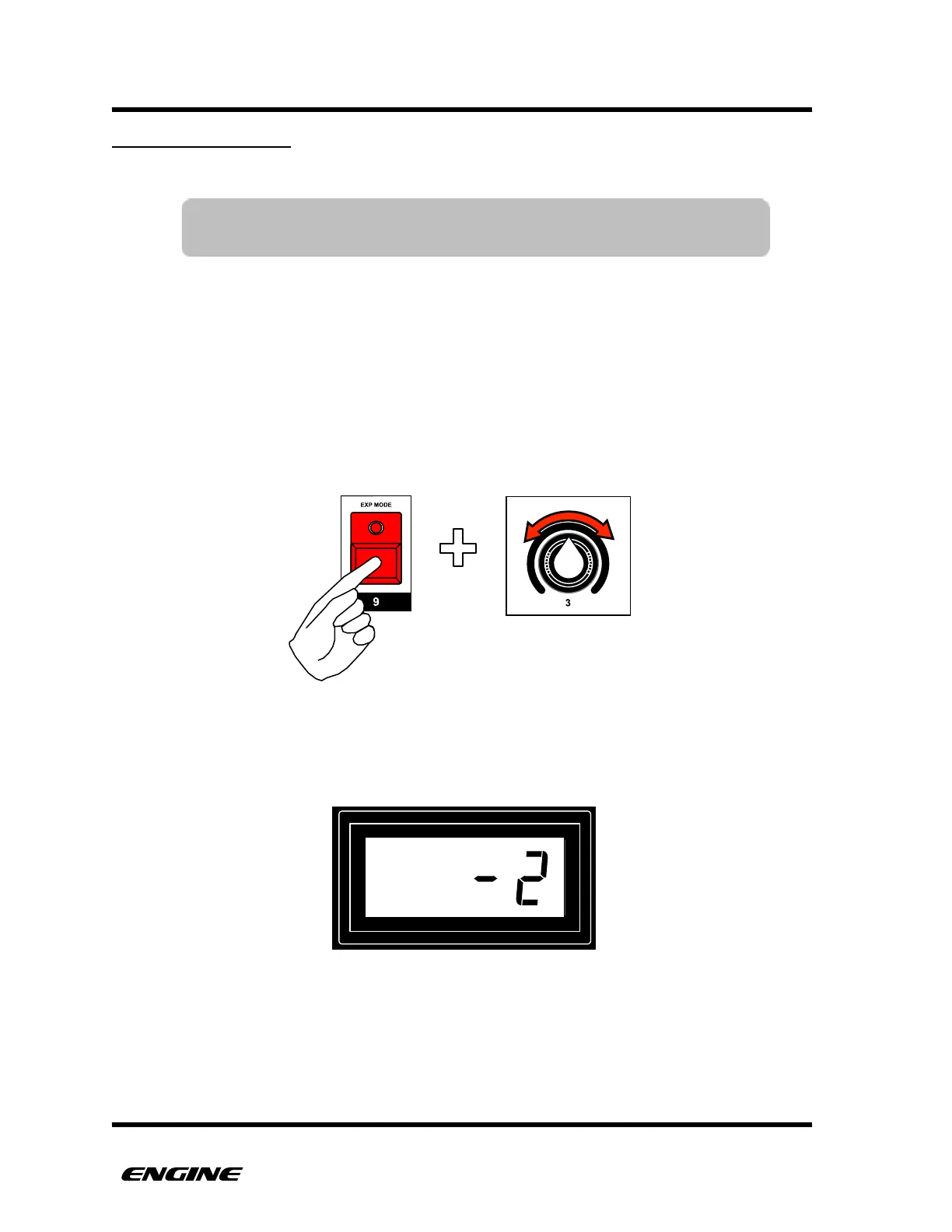
To set the CV TUNING OFFSET for a track, while in UTILITY MODE, press and hold EXP
MODE (step 9) button. Then rotate control knob 3 to select the desired offset. You can
also use the BACKWARDS and FORWARDS button to change by one value at a time.
The current offset value will be shown on the LED display while continuing to hold the EXP
MODE button.!
NOTE: The CV TUNING OFFSET can only be set when the CV/Gate
expansion board is installed and enabled.



 To Next Page