PATTERN BANK AND PROGRAM CHANGE MESSAGES
A pattern can be configured to send MIDI bank select and program change messages
when it is switched. This allows a pattern to change the selected patch on a synthesizer
or drum machine automatically. The messages can be sent on the MIDI channel defined
for the track, or on a specific MIDI channel.
The selected program change message can be set from 1 to 128 or OFF (default).
The bank least significant byte can be set from 1 to 128 or OFF (default).
The bank most significant byte can be set from 1 to 128 or OFF (default).
The MIDI channel can be set from 1 to 16 or track (default).
If the program change message is set to OFF, the bank select messages will not be sent.
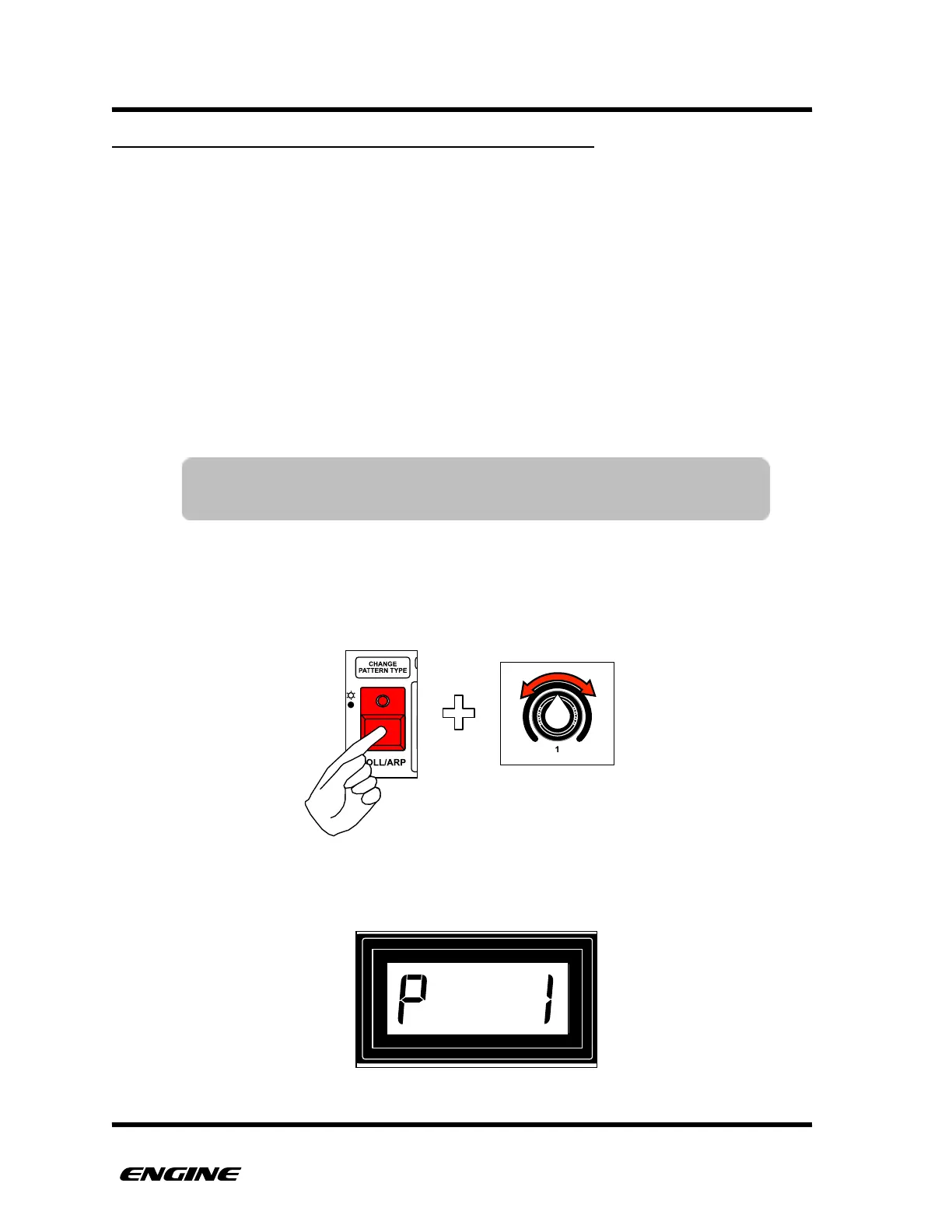
To define a PROGRAM CHANGE number for the current edit pattern, while in UTILITY
MODE, press and hold the CHANGE PATTERN TYPE (roll/arp) button, then rotate control
knob 1.
The current program number will be shown on the LED display while holding the
CHANGE PATTERN TYPE button.!



 To Next Page