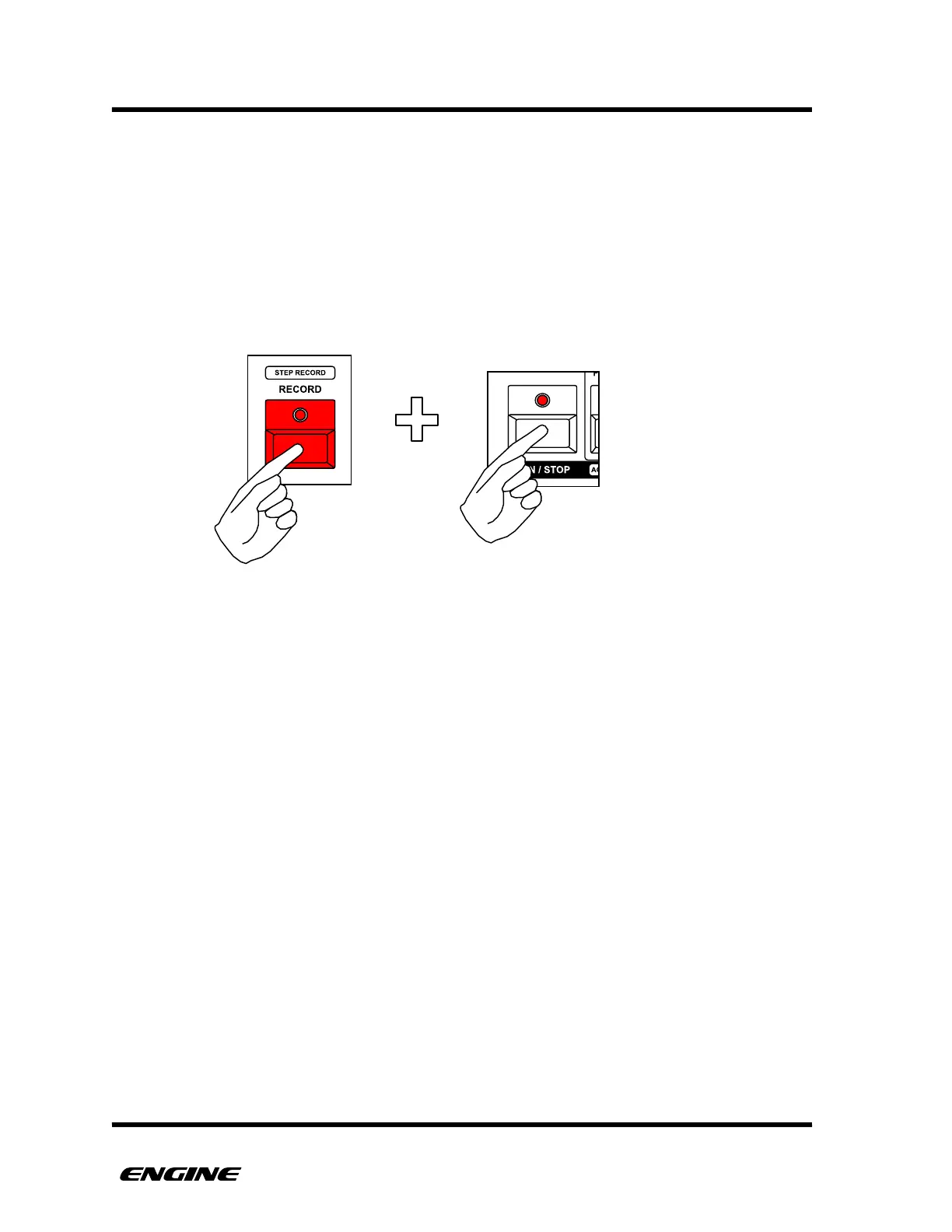
PAUSE RECORD MODE
PAUSE RECORD mode will automatically start the sequencer in RECORD (or REPLACE
RECORD) on the first note played. This is extremely useful to have a sequence start
recording precisely on the downbeat.
To use PAUSE RECORD, with the sequencer stopped, hold RECORD and then click RUN/
STOP. Both the RECORD and RUN LEDs should blink to indicate PAUSE RECORD is
active.
To start the sequencer playing and recording automatically, play a note from the mini-
keyboard or an external controller, or turn a control knob for a CONTROL type pattern.
If you started in REPLACE RECORD, it will automatically switch to normal RECORD after
one pattern loop.
PAUSE RECORD also works in ARPEGGIATOR and DRUM ROLL modes.
To exit PAUSE RECORD mode you can click the RUN/STOP or the RECORD button.
Clicking RUN/STOP will start the sequencer in RECORD mode.



 To Next Page