ENABLING HARDWARE SLIDE
In monophonic conversion mode, each track can have hardware slide enabled. This will
cause any overlapping (legato) notes to produce a smooth slide on the CV output and the
GATE will not be retriggered.
When slide is not enabled, CV pitch will change instantly, but the GATE will still not be
retriggered.
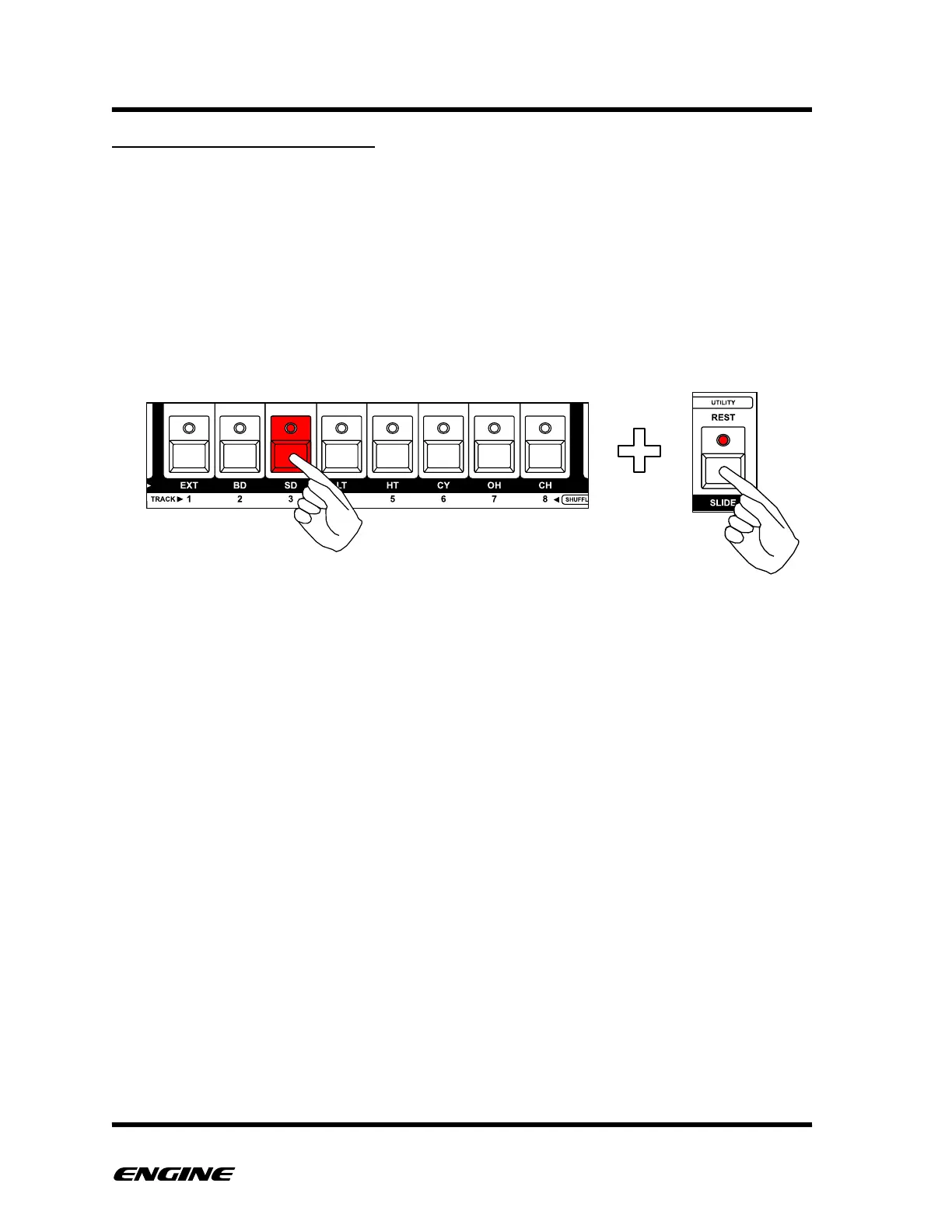
To enable slide for a track, press and hold the track button that corresponds to the CV/
Gate pair. Then click the SLIDE button to enable hardware slide. Click again to disable
slide.



 To Next Page