SNAPSHOT PASTE
Pasting a new snapshot will still point to patterns, but it will copy the current patterns in
each track to new pattern locations and point to these new patterns.
This means that pasting a new snapshot will point to different patterns than the previous
snapshot. This can be useful when making variations of a pattern, which are not applied
across an entire song or shared by other snapshots.
Because pasting the snapshot copies the current patterns forward and each pattern will
have it’s own transpose/mute settings, it is recommended to turn off snapshot transpose/
mute recall in SNAPSHOT CONFIG mode. Otherwise, the transpose settings from the
previous patterns will be applied when the new snapshot is selected, even if the new
patterns have been modified.
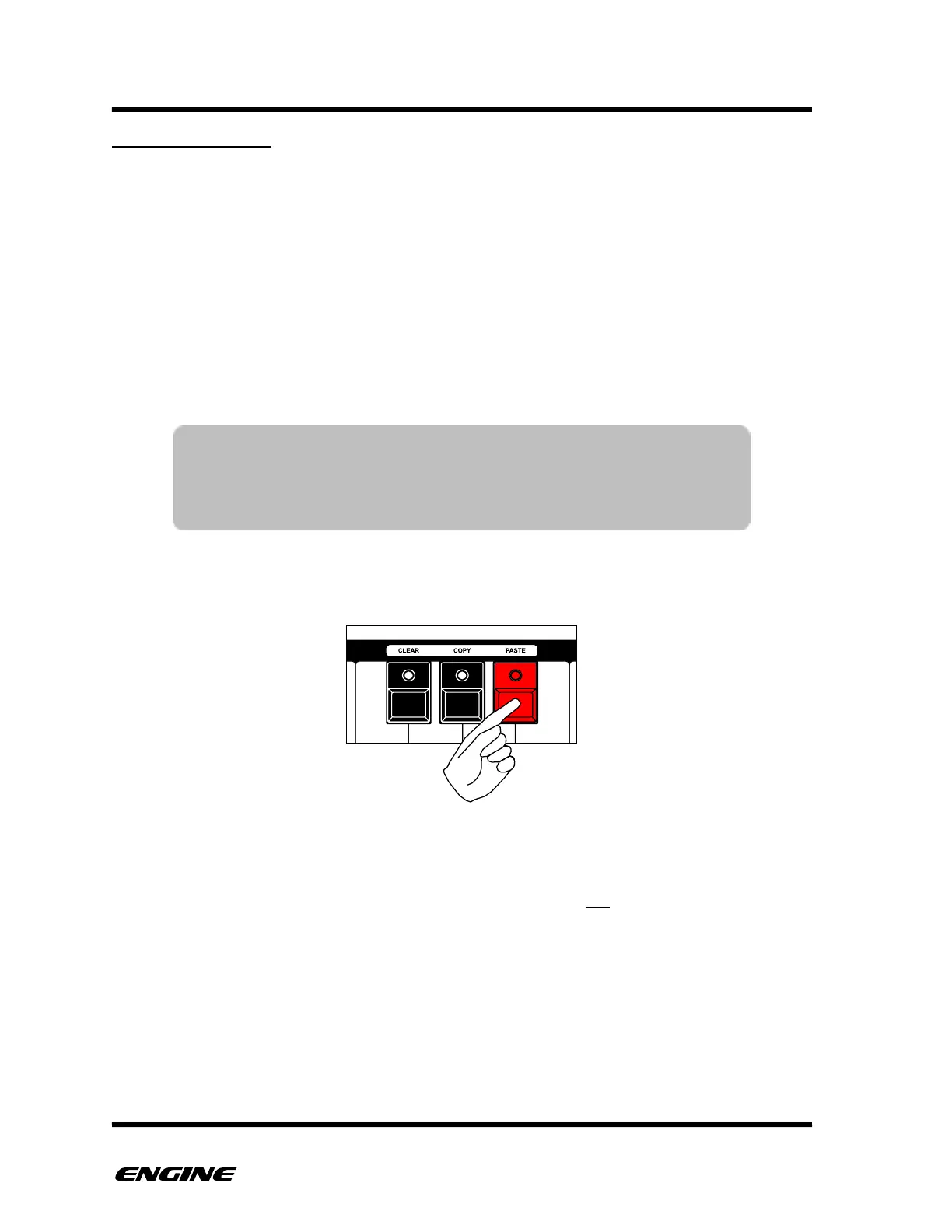
To paste a new snapshot, while in SNAPSHOT mode, first press and hold the PASTE
button.
When the paste button is first pressed, the current snapshot settings are automatically
copied into a buffer for pasting. This means that there is not a dedicated SNAPSHOT
COPY operation.
NOTE: Pasting a snapshot will only copy the current EDIT PATTERN
for each track, it does not copy pattern chains. If a pattern chain
is selected in the current track, it will not be maintained in the
pasted snapshot.



 To Next Page