SYNTH1: TRANSPOSING POLYPHONIC STEPS
Sometimes you may wish to transpose all pitch slots of a SYNTH1 type pattern at the
same time, by the same amount. The step transpose function allows you to do this.
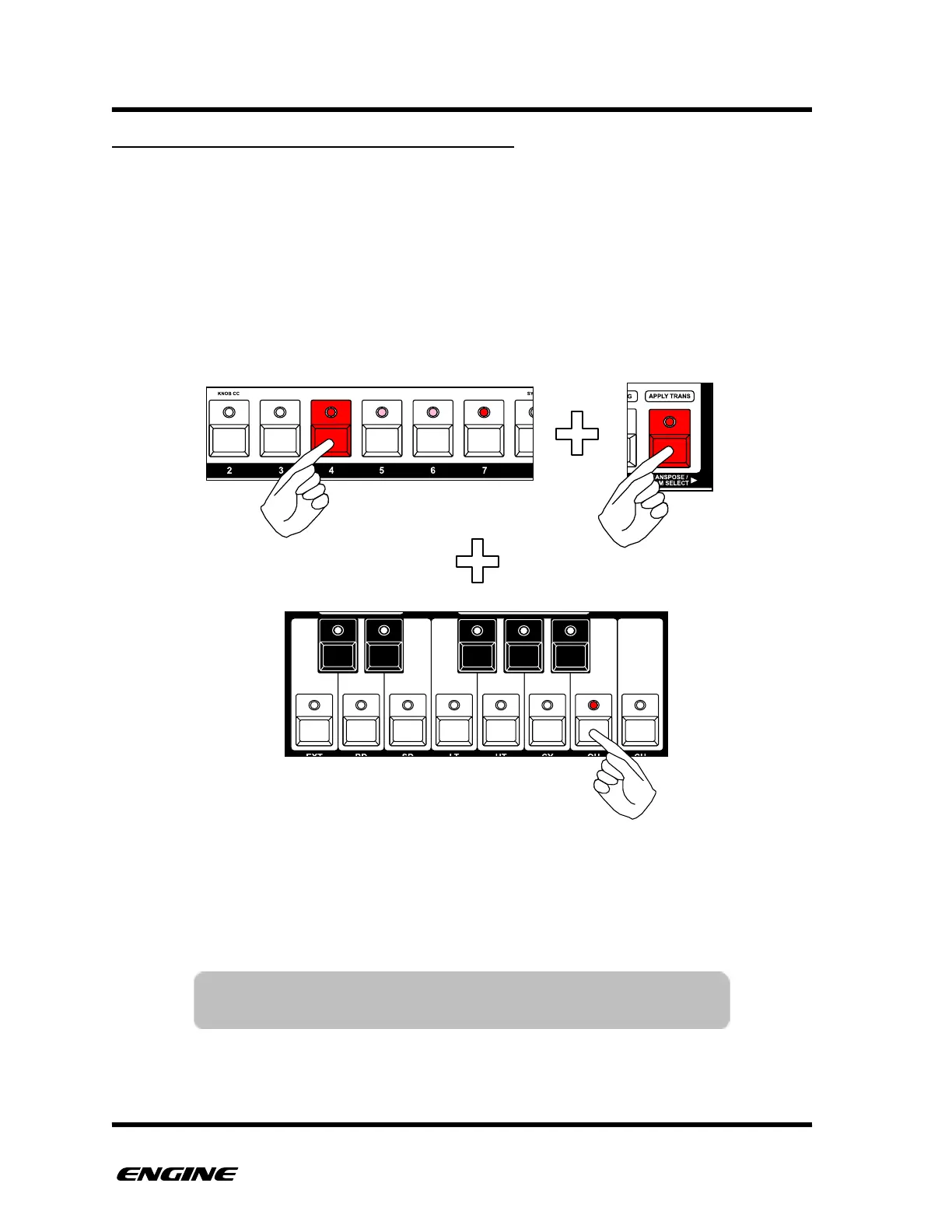
The step transpose function uses the mini-keyboard and octave buttons to transpose all
pitches on the current step by semitones or octaves.
While holding a step button for grid programming, press and hold the TRANSPOSE
button. Click the buttons of the mini-keyboard or the octave up and down buttons to
transpose all active pitches on the step.
The keyboard LEDs will show the current selected pitch, but will apply any changes as an
offset to all pitches on the step.



 To Next Page