MIDI EFFECTS
Each track has a set of MIDI EFFECTS that change how an entire pattern plays. MIDI
EFFECTS are accessible in FUNCTION MODE using the control knobs.
The MIDI effects knob use a “pass-through” scheme to avoid jumps in value. This means
that a knob must first pass through the current value for the setting before the knob
location is used to set the value.
MIDI EFFECTS settings can be saved in snapshot locations, but are not saved with pattern
data. If a new pattern is recalled, it will have the current track MIDI EFFECTS applied to
it.
VELOCITY OFFSET
A velocity offset effect can be applied to all MIDI notes generated by the pattern. This
can be either a positive or negative offset from -63 to +64.
This is especially useful when you have a mix of high velocity (accented) and unaccented
notes. The velocity offset can be used as a creative volume control to fade out certain
notes in the sequence or normalize all notes to a high velocity.
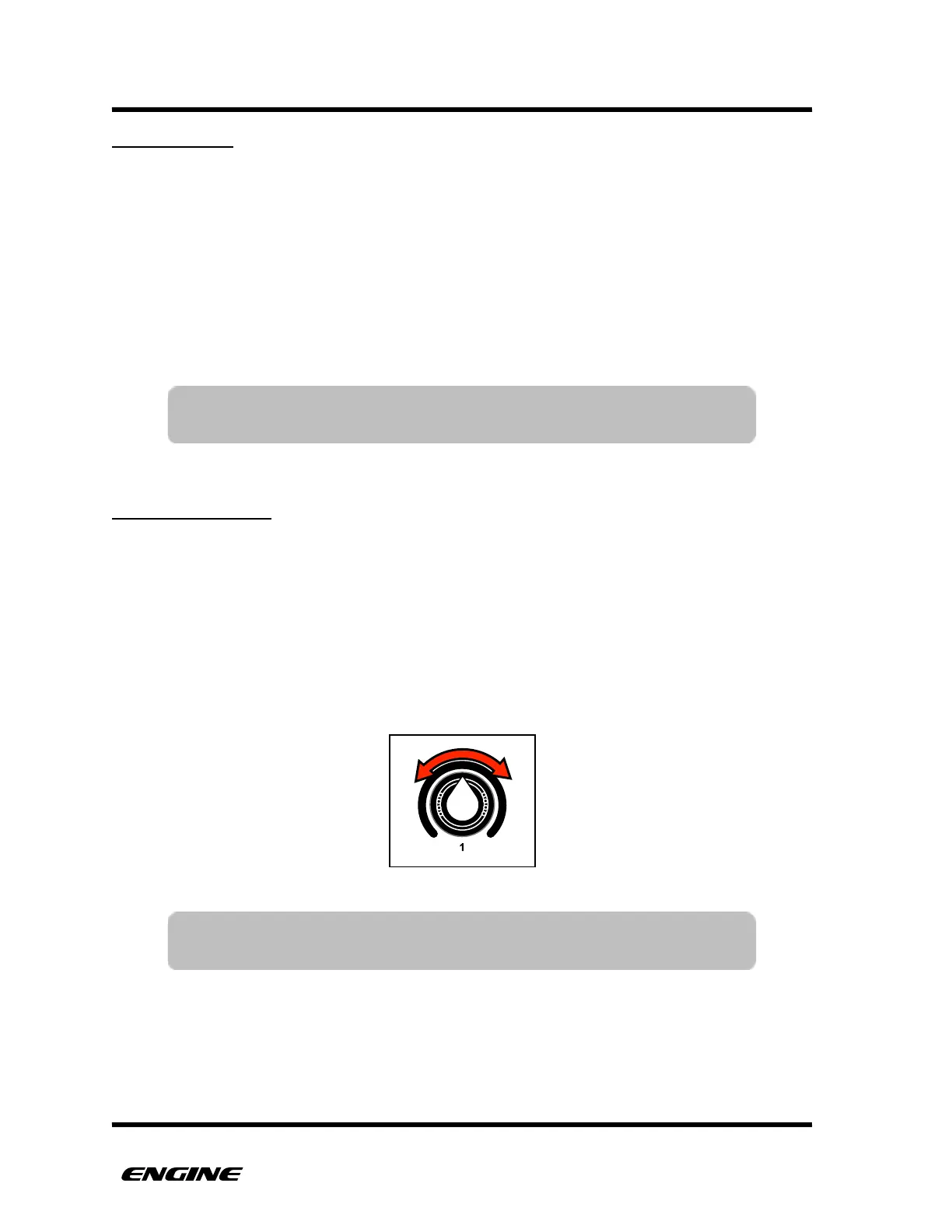
To set the velocity offset, while in FUNCTION MODE, rotate control knob 1. The current
velocity offset value will show briefly on the LED display.
TIP: The velocity offset can also be used with control type patterns to
offset control and LFO values.



 To Next Page