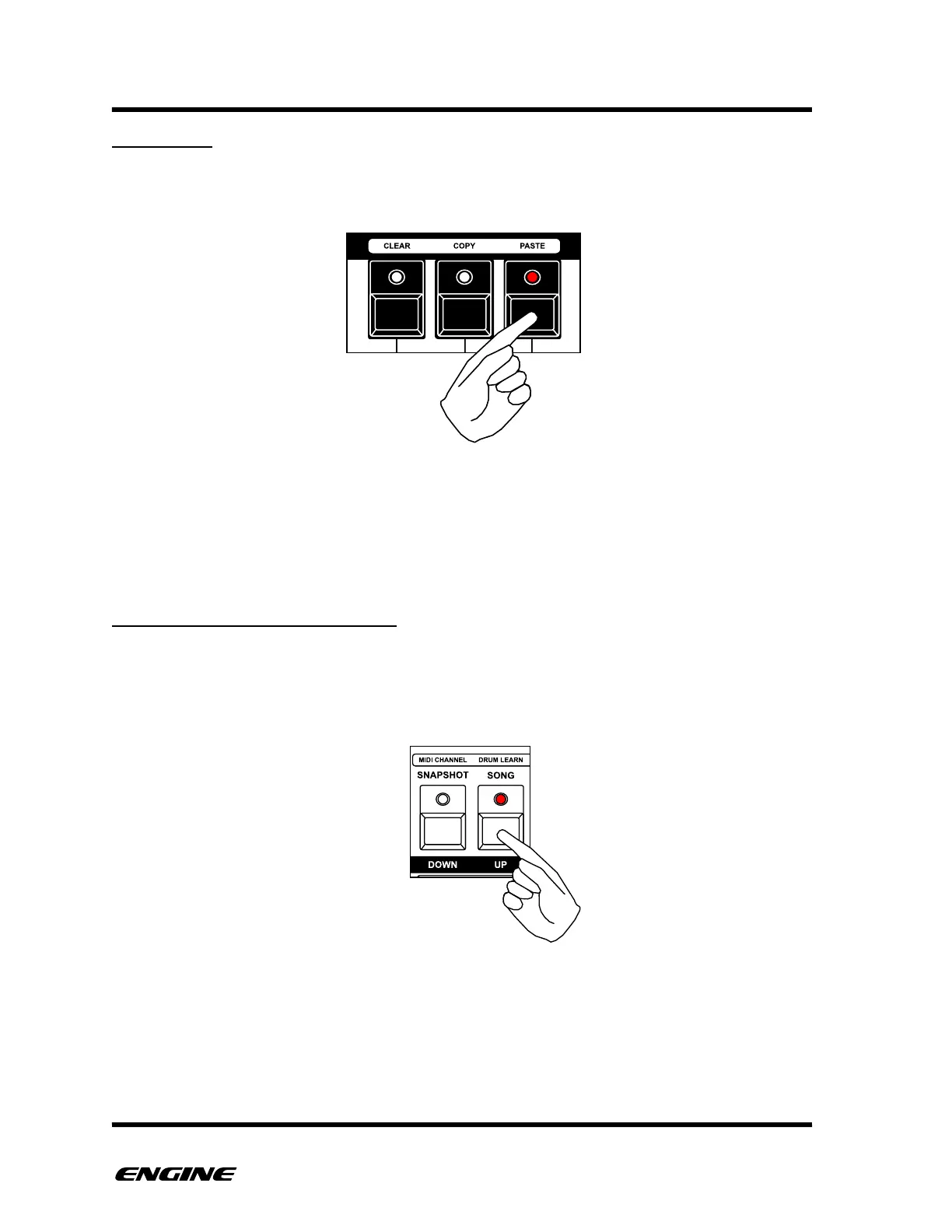
STEP PASTE
You can paste a previously copied note by clicking the black mini-keyboard button
labelled PASTE (A#). This will paste the clipboard step into the selected step.
The length of the clipboard note is also pasted into the pattern, overwriting any previous
step data.
The clipboard note can be pasted multiple times. This can be useful when a particular note
needs to be repeated in several locations, avoiding the need to manually recreate the
note on each step.
SYNTH1/SYNTH2: STEP LENGTH
The length of the selected step can be changed in STEP FUNCTION mode by clicking the
OCTAVE DOWN or UP buttons. This is useful when you want to extend a note past a
section boundary, for example if a note should be longer than 16 steps.
As the length of the note is increased, it will overwrite any previous step data.!



 To Next Page