SETTING VELOCITY OR ACCENT
Each step of a synth type pattern can be set to specific velocity.
For SYNTH1 type patterns the velocity range is 0-127.
For SYNTH2 type patterns, there four velocities (default: 31, 63, 95 and 127). These
velocities can be changed in TRACK UTILITY mode.
As a shortcut, the ACCENT button can be used to set a predefined velocity for accented
or unaccented notes.
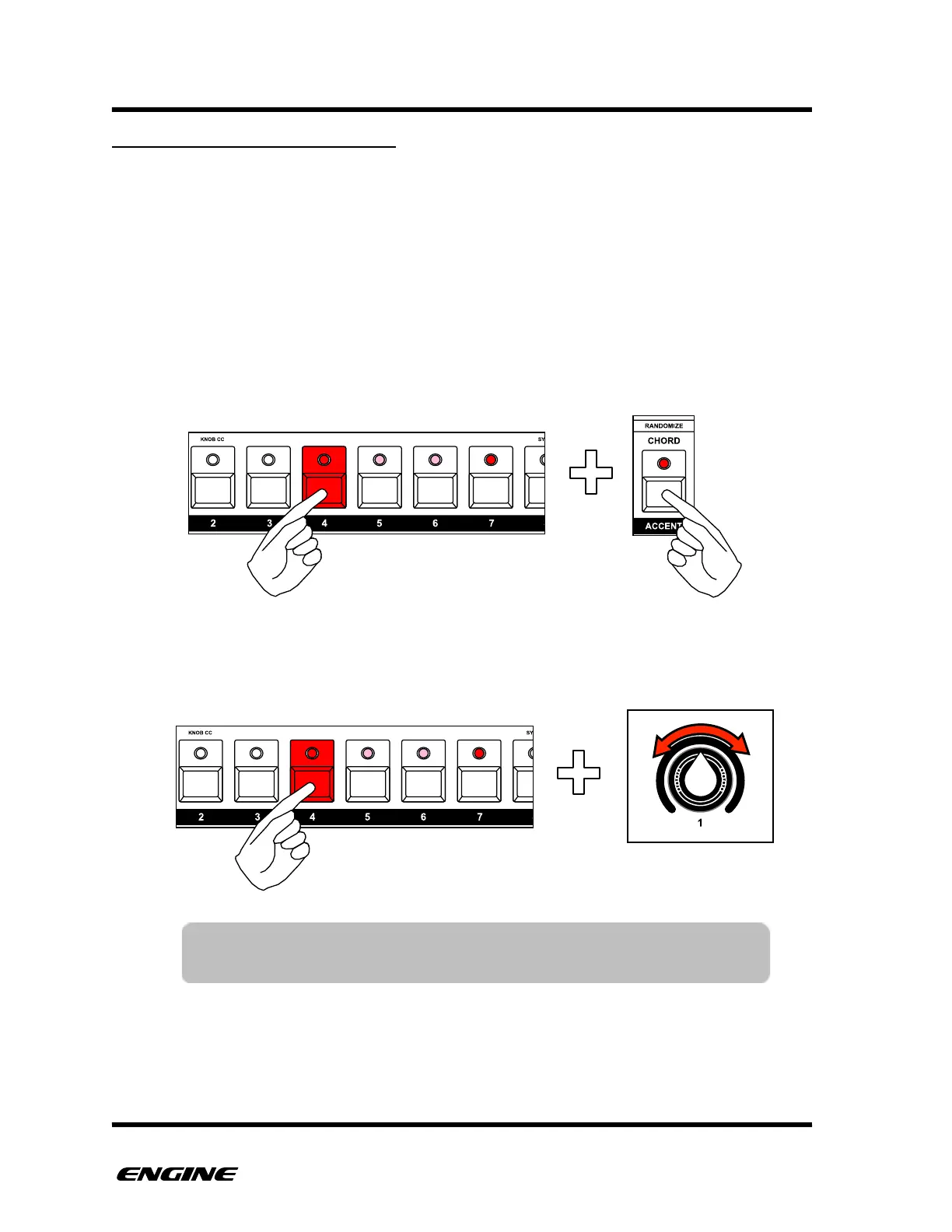
To set the velocity of a note using the ACCENT button, press and hold the pattern step
button. Then click the ACCENT button to accent turn on or off.
To set a different velocity for the step, while holding the step button, use control knob 1 to
set a velocity value. The current velocity of the step is shown on the LED display.
TIP: You can quickly enter an accented step by double clicking the
pattern step button as you enter the step event.



 To Next Page